More browsing paths
Play Jigoku Meguri (Japan, hack?) (Hack · Japan edition) Online
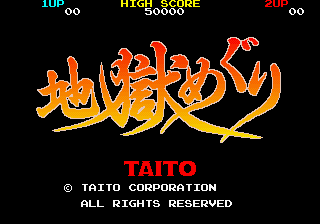
Jigoku Meguri (Japan, hack?)
Fight as a monk with prayer beads that form bubbles with different effects.
Browser play
Arcade — EmulatorJS controls
Default Player 1 keyboard mapping. Change keys in Controller Settings.
| Console button | Keyboard |
|---|---|
| ↑ / ↓ / ← / → | ↑ / ↓ / ← / → |
| RetroPad A / B / X / Y | Z / X / A / S |
| L / R | Q / E |
| Insert coin | V |
| START | Enter |
Open Controller Settings to configure your keyboard or gamepad. Touch controls are available on mobile.
How to Play Jigoku Meguri (Japan, hack?)
Quick start
Try your current shot color against the next enemy and watch the candles. Collect a protective statue before crossing a crowded area.
Controls
Move and launch prayer beads at enemies. Colors change their effects; some statues grant a temporary barrier of invincibility.
Jigoku Meguri (Japan, hack?) — About this game
The monk attacks with prayer beads that appear as bubbles. Their colors correspond to elements, and enemies react differently to each. Candles gradually burn out to show the time remaining, so you cannot explore a passage forever even with health to spare.
Cheats
No cheats have been added for this edition.
Player verification and sources
Browser play was reviewed before this edition was published in the catalogue. The date below is the catalogue publication date, not the game’s original release date.
- Browser test and catalogue publication date
- Browsers and devices
- PC: Chrome, Edge and Firefox. Mobile: Chrome on Android and Safari on iPhone and iPad.
- Player engine and core
- EmulatorJS 4.3.0-pre · arcade
- Tested by
- rwEmulator
Sources and editorial basis
rwEmulator reviews edition metadata, release information, game manuals and first-hand browser-play notes. Available manuals are linked below; the editorial policy explains how facts are checked and corrections are handled.