More browsing paths
Play Alien Syndrome (Japan edition · Japanese) Online
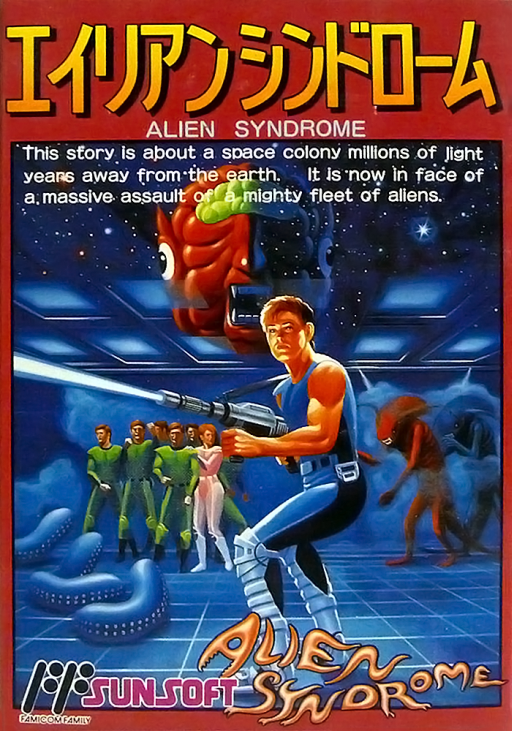
Alien Syndrome
Search each infested ship for its hostages, reach the exit before the bomb timer ends, then face the alien boss.
Browser play
Nintendo Entertainment System (NES) / Famicom — EmulatorJS controls
Default Player 1 keyboard mapping. Change keys in Controllers Setting.
| Console button | Keyboard |
|---|---|
| ↑ / ↓ / ← / → | ↑ / ↓ / ← / → |
| A / B | Z / X |
| START / SELECT | Enter / V |
Open Controllers Setting to configure your keyboard or gamepad. Touch controls are available on mobile.
How to Play Alien Syndrome
Quick start
Move through the first ship and rescue the hostages shown for the round. Check a MAP point when the route becomes confusing, collect a weapon capsule if it is on the way, then go through the exit before time expires.
Controls
D-pad: move in eight directions. B: shoot. A: unused. START: pause. SELECT: unused. Two players can play simultaneously.
Alien Syndrome — About this game
Ricky and Mary move through maze-like alien ships to rescue the crew held inside. Each round starts a countdown, and the team must find the required hostages and reach an exit before the ship is destroyed. The exit leads to a boss fight, so arriving with a useful weapon pickup can make the next encounter easier. Corridors and rooms form a maze rather than a straight route; marked map points can reveal walls and remaining hostages. Weapon capsules provide upgrades such as a flame thrower, fireball or laser, while enemies emerge from nests and attack as you pass. The Famicom version supports two players at once, letting a second player help clear routes and rescue people. Its simple firing control leaves the challenge in movement, route choice and keeping pace with the timer.
Cheats
No cheats have been added for this edition.