More browsing paths
Play Arctic (Japan edition · English) Online
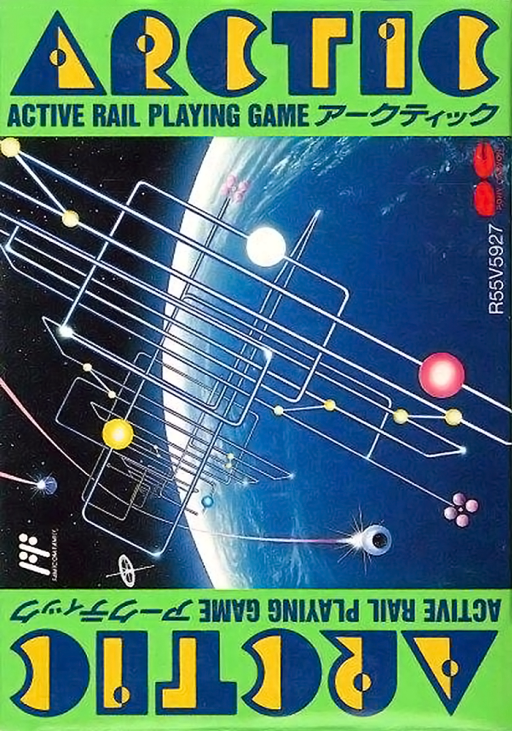
Arctic
Switch whole groups of rail junctions to return blue and orange balls to matching seats, using rebounds and collisions to change their routes.
Browser play
Nintendo Entertainment System (NES) / Famicom — EmulatorJS controls
Default Player 1 keyboard mapping. Change keys in Controllers Setting.
| Console button | Keyboard |
|---|---|
| ↑ / ↓ / ← / → | ↑ / ↓ / ← / → |
| A / B | Z / X |
| START / SELECT | Enter / V |
Open Controllers Setting to configure your keyboard or gamepad. Touch controls are available on mobile.
How to Play Arctic
Quick start
Press START to enter play. Open CONFIG with SELECT, choose MAP NO. 0 with Up/Down and the slow speed with Left/Right. Close with SELECT, then press START to release the balls. Follow one colored ball toward a matching seat and change its junction only as it approaches.
Controls
A switches all blue junctions; B switches all orange/yellow junctions. Right releases balls from blue seats; Left releases balls from orange seats. START begins/releases the balls and advances after a clear. SELECT opens CONFIG; Up/Down chooses map 0–28, Left/Right changes speed, and SELECT closes. To retry, open and close CONFIG, then press START.
Arctic — About this game
The rails are already laid out and the balls move under their own momentum. Your job is to change junctions at the right instant so every blue and orange ball returns to a seat of its own color. A switch command affects all junctions of that color at once, so helping one ball can redirect another elsewhere on the map. White balls can transfer momentum in collisions, but they can also occupy a seat that a colored ball needs. A wrongly occupied seat can be cleared by releasing every docked ball from that color’s seats, which makes partial progress something to manage rather than permanent storage. Bumpers reverse a ball and sloped or marked rails affect its speed. Later layouts introduce red balls: contact with a blue or orange ball ends the attempt. All 29 maps, numbered 0 through 28, can be selected directly, with three movement-speed settings. Clearing a map displays the elapsed time; experiment with a slower speed before chasing a faster solution.
Cheats
No cheats have been added for this edition.