More browsing paths
Play Bad News Baseball (US edition · English) Online
Bad News Baseball
Build a lineup, mix pitches, and guide your team through a cartoon baseball game.
Browser play
Nintendo Entertainment System (NES) / Famicom — EmulatorJS controls
Default Player 1 keyboard mapping. Change keys in Controllers Setting.
| Console button | Keyboard |
|---|---|
| ↑ / ↓ / ← / → | ↑ / ↓ / ← / → |
| A / B | Z / X |
| START / SELECT | Enter / V |
Open Controllers Setting to configure your keyboard or gamepad. Touch controls are available on mobile.
How to Play Bad News Baseball
Quick start
Choose a team and set the batting order and starting pitcher. At bat, use the D-pad to line up and press A to swing; in the field, move toward the ball and use A to throw to a selected base. Try B with a direction for a dive or jump catch.
Controls
D-pad: position batter, move fielders, choose bases and pitch placement. A: swing, pitch, throw, or return runner. B: advance runner, attempt a dive/leap, or enter fielding view. START: confirm or pause menus. Pitch speed and break use D-pad directions with A.
Bad News Baseball — About this game
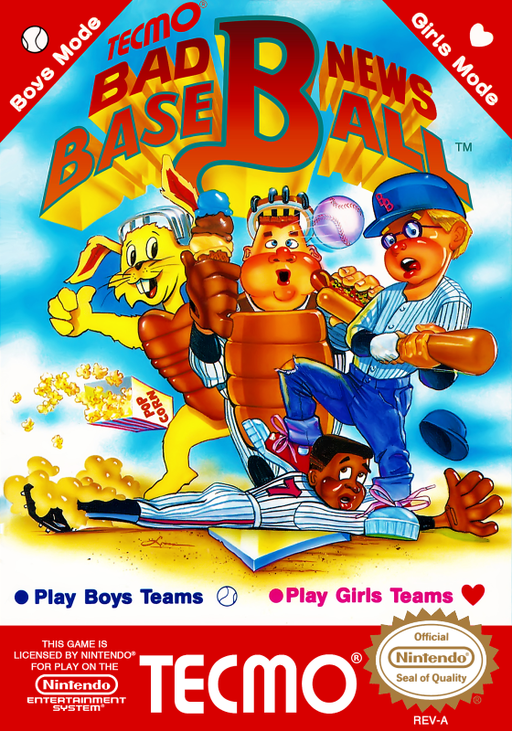
Bad News Baseball presents a full baseball game with a cartoon edge: choose from boys’ and girls’ teams, set your lineup, then manage batting, pitching, baserunning, and fielding. Batters can adjust their position and swing, while pitchers choose placement and speed before adding a curve or other break. On defense, move fielders toward the ball, select a base for throws, or attempt a dive or leap with B. The game supports a computer opponent, local two-player play, and spectator mode, so it works as either a solo season-style matchup or a head-to-head game. Its rabbit umpires and exaggerated close-play scenes lighten the presentation, but the underlying baseball decisions still reward watching the count, runners, and defensive alignment. Games end after twelve innings even if tied.
Cheats
No cheats have been added for this edition.