More browsing paths
Play Baseball Simulator 1.000 (US edition · English) Online
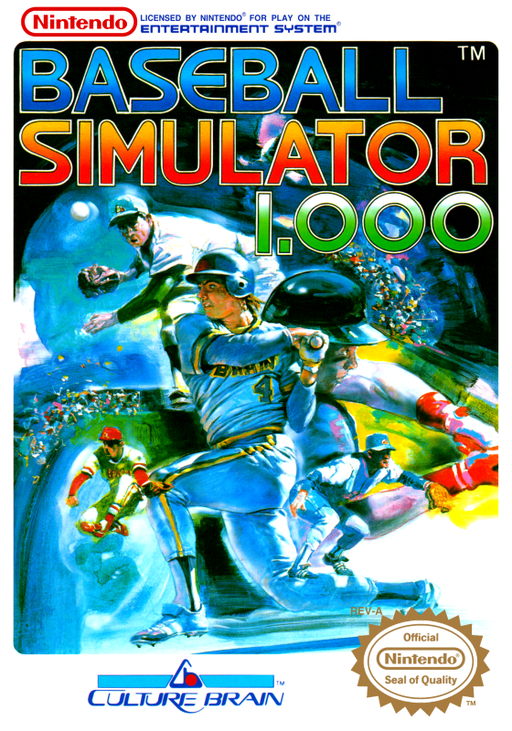
Baseball Simulator 1.000
Play a full baseball season or build a custom team with dramatic Ultra Plays.
Browser play
Nintendo Entertainment System (NES) / Famicom — EmulatorJS controls
Default Player 1 keyboard mapping. Change keys in Controllers Setting.
| Console button | Keyboard |
|---|---|
| ↑ / ↓ / ← / → | ↑ / ↓ / ← / → |
| A / B | Z / X |
| START / SELECT | Enter / V |
Open Controllers Setting to configure your keyboard or gamepad. Touch controls are available on mobile.
How to Play Baseball Simulator 1.000
Quick start
Choose Exhibition for a single game, select a regular or Ultra team, then pick a stadium and starting pitcher. Bat with A and use the D-pad to line up; try the Ultra command only after checking how many points it costs.
Controls
D-pad: position batter, move fielders, choose bases and menus. A: swing, pitch, throw, confirm. B: base running and Ultra plays when available. START: pause or open mode menus. Ultra actions consume team points.
Baseball Simulator 1.000 — About this game
Baseball Simulator 1.000 combines standard baseball with a league of exaggerated special abilities. Choose from regular teams or the Ultra League, where pitchers, hitters, and fielders can spend Ultra Points on unusual plays such as deceptive pitches, powerful hits, or extraordinary catches. Exhibition mode supports a quick game or a two-player series; Season mode tracks a longer schedule, while Edit lets you create teams and New League assembles a custom competition. The game keeps familiar decisions—pitch selection, batting position, base running, substitutions, and field coverage—at the center, then gives each side a limited reserve of special moves. Managing that reserve is key: use an Ultra play when it can change a scoring chance or prevent a run, rather than spending points on every opportunity.
Cheats
No cheats have been added for this edition.