More browsing paths
Play Battle City (Japan edition · English) Online
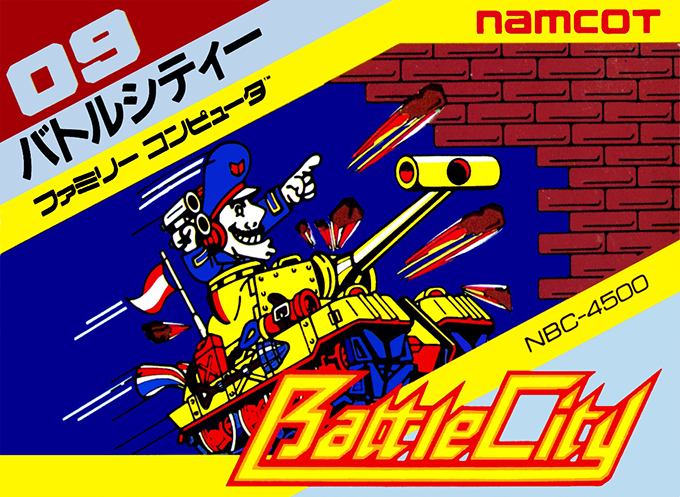
Battle City
Protect the eagle headquarters while destroying enemy tanks and opening firing lanes through brick walls.
Browser play
Nintendo Entertainment System (NES) / Famicom — EmulatorJS controls
Default Player 1 keyboard mapping. Change keys in Controllers Setting.
| Console button | Keyboard |
|---|---|
| ↑ / ↓ / ← / → | ↑ / ↓ / ← / → |
| A / B | Z / X |
| START / SELECT | Enter / V |
Open Controllers Setting to configure your keyboard or gamepad. Touch controls are available on mobile.
How to Play Battle City
Quick start
Press START or SELECT to reach the menu. Use SELECT to choose 1 PLAYER or 2 PLAYERS, then START. At stage selection, A moves forward and B moves backward; choose stage 1 and press START. Keep a route back to the eagle and intercept enemies approaching its wall.
Controls
D-pad: move/face in four directions. A or B: fire during battle. SELECT: choose player count or CONSTRUCTION. START: confirm, start and pause/resume. Stage selection: A next, B previous. CONSTRUCTION: D-pad moves the cursor, A/B cycle terrain forward/backward, START returns to the menu to play the field.
Battle City — About this game
Every battlefield asks you to attack without abandoning the base at the bottom of the screen. Twenty enemy tanks must be destroyed to clear a stage, but a shot into the eagle ends the game even if you still have tanks in reserve. Bricks can be broken to make routes or firing lanes; doing so also removes cover. Water blocks movement but not shells, and vegetation conceals tanks rather than stopping them. Flashing enemies release items that can improve your gun, halt enemies or reinforce the base wall temporarily. Two players defend the same headquarters simultaneously, so divide the approaches and avoid firing into each other’s path. Choose among 35 starting stages or use CONSTRUCTION to arrange your own field before returning to the player menu.
Cheats
No cheats have been added for this edition.