More browsing paths
Play Battleship (US edition · English) Online
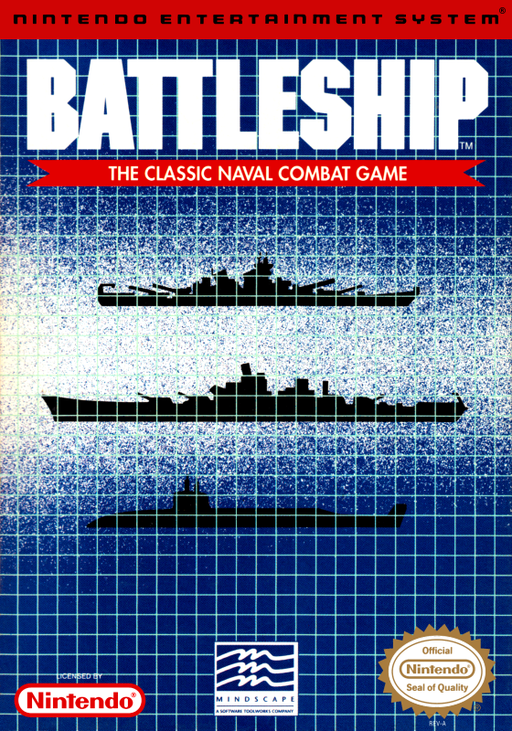
Battleship
This NES strategy game turns the naval grid guessing game into a solo campaign against the computer.
Browser play
Nintendo Entertainment System (NES) / Famicom — EmulatorJS controls
Default Player 1 keyboard mapping. Change keys in Controllers Setting.
| Console button | Keyboard |
|---|---|
| ↑ / ↓ / ← / → | ↑ / ↓ / ← / → |
| A / B | Z / X |
| START / SELECT | Enter / V |
Open Controllers Setting to configure your keyboard or gamepad. Touch controls are available on mobile.
How to Play Battleship
Quick start
Choose a campaign level and battle, review the starting fleet situation, then select a target square on the enemy grid. After a hit, check the neighboring squares to find the ship’s direction. Record misses and sunk ships, and save the password shown after a victory.
Controls
D-pad: move the cursor through menus and grid coordinates. A: confirm a selection or fire when prompted. B: return or cancel where offered. Start: advance from title or information screens. Follow the on-screen prompt for each weapon and action; this release is for one player.
Battleship — About this game
Across eight levels of five battles, locate and sink the enemy fleet while protecting your own. Aircraft and support weapons expand the familiar search-and-fire routine, and each victory supplies a password for continuing later. New weapons appear as the campaign advances, so learn what each one can reveal before spending it. Some encounters begin with fleets already damaged, asking you to recover from a difficult position. A miss still narrows the search: mark empty coordinates, use a hit to test adjacent squares, and follow the ship’s line until it is sunk. The NES release is single-player, despite the two-player roots of the board game.
Cheats
No cheats have been added for this edition.