More browsing paths
Play Dragon Warrior II (US edition · English) Online
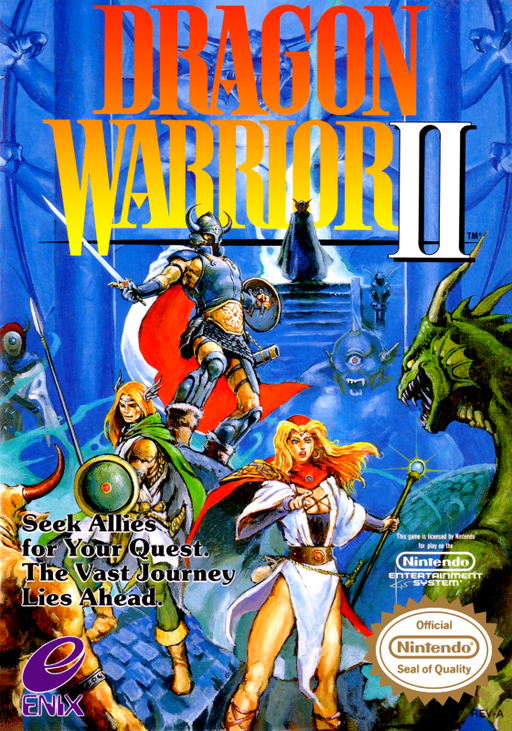
Dragon Warrior II
Find two royal cousins, build a three-person party and sail beyond Alefgard to challenge Hargon.
Browser play
Nintendo Entertainment System (NES) / Famicom — EmulatorJS controls
Default Player 1 keyboard mapping. Change keys in Controllers Setting.
| Console button | Keyboard |
|---|---|
| ↑ / ↓ / ← / → | ↑ / ↓ / ← / → |
| A / B | Z / X |
| START / SELECT | Enter / V |
Open Controllers Setting to configure your keyboard or gamepad. Touch controls are available on mobile.
How to Play Dragon Warrior II
Quick start
Press START, choose Begin a New Quest with A and enter your name. Follow the king downstairs, search the chest he offers and equip its weapon and armor. Talk to castle residents, buy herbs if needed and fight nearby before seeking your cousins. Return to the inn while you can still get home safely. In this US edition, visit a king to record progress in one of three Adventure Logs.
Controls
D-pad: move and select. A: open commands, confirm and advance text. B: cancel. Face a person and choose Talk; stand on a chest and choose Search.
Dragon Warrior II — About this game
The journey begins with one prince, then grows into a partnership between a powerful weapon user, a sword-and-spell fighter and a specialist mage. Enemy groups make target choice and healing order more important than simply repeating attacks. The characters have separate equipment and supplies, so a useful item should be carried by someone who can act when it is needed. Poison and fallen companions can make a long trip expensive; inns restore strength, while healers address conditions and revival. Once a ship opens the sea, towns, towers and islands provide a web of clues rather than a single straight route. Gathering keys and the five crests gradually turns scattered discoveries into a path toward Hargon. In this US edition, visit a king to record progress in one of three Adventure Logs.
Cheats
No cheats have been added for this edition.