More browsing paths
Play Excitebike (Japan / US edition · English) Online
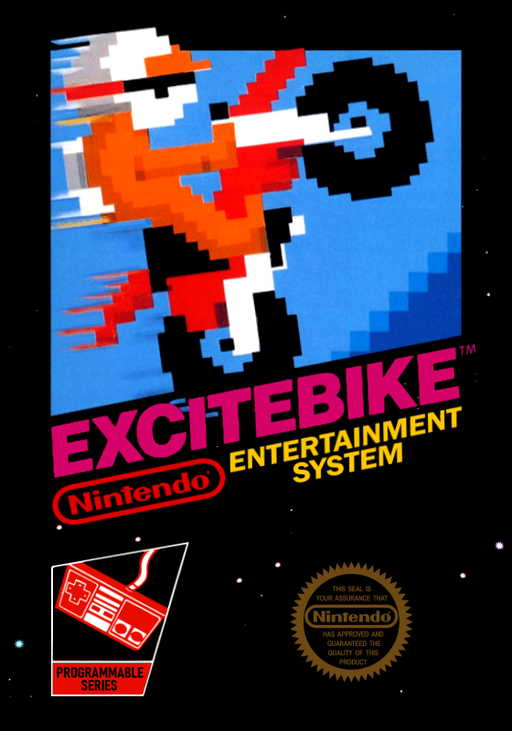
Excitebike
Race the clock over ramps and traffic while balancing turbo acceleration, engine heat and landing angle.
Browser play
Nintendo Entertainment System (NES) / Famicom — EmulatorJS controls
Default Player 1 keyboard mapping. Change keys in Controllers Setting.
| Console button | Keyboard |
|---|---|
| ↑ / ↓ / ← / → | ↑ / ↓ / ← / → |
| A / B | Z / X |
| START / SELECT | Enter / V |
Open Controllers Setting to configure your keyboard or gamepad. Touch controls are available on mobile.
How to Play Excitebike
Quick start
Use SELECT on the title screen to choose SELECTION A and a track, then press START. Begin with track 1: hold A to accelerate, change lanes around bumps and add brief B bursts while watching TEMP. Beat the displayed 3RD time to qualify for the main race.
Controls
Up/Down: change lane. Left: raise the front wheel; Right: lower it in the air. Hold A: accelerate; release it: slow down. B: turbo, with extra engine heat. SELECT: title selections. START: start, pause or resume. After a crash, tap A repeatedly to return to the bike sooner.
Excitebike — About this game
A qualifying time, rather than simply passing another bike, determines whether your ride continues. Choose one of five tracks, clear its challenge race within the third-place time and then tackle the main event. Selection A leaves the course to you; Selection B adds computer riders whose wheels can turn an ambitious overtake into a crash. The two throttle buttons make temperature part of the racing line: turbo builds speed quickly, but overheating forces a stop. Arrow-marked cooling strips help keep the engine working. Jumps demand another decision, since lifting or lowering the front wheel changes the flight and a poor landing throws the rider off. Design mode lets you arrange obstacles and try your own course.
Cheats
No cheats have been added for this edition.