More browsing paths
Play Kirby's Adventure (US edition · English) Online
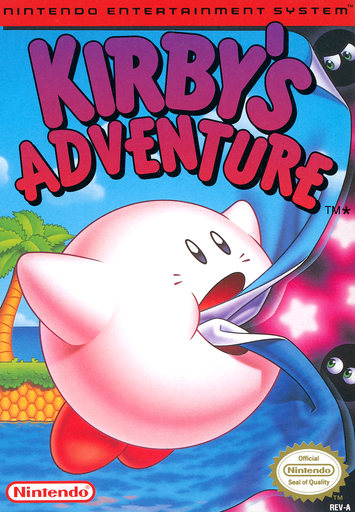
Kirby's Adventure
Inhale enemies, borrow their attacks and uncover new doors across Dream Land’s stage maps.
Browser play
Nintendo Entertainment System (NES) / Famicom — EmulatorJS controls
Default Player 1 keyboard mapping. Change keys in Controllers Setting.
| Console button | Keyboard |
|---|---|
| ↑ / ↓ / ← / → | ↑ / ↓ / ← / → |
| A / B | Z / X |
| START / SELECT | Enter / V |
Open Controllers Setting to configure your keyboard or gamepad. Touch controls are available on mobile.
How to Play Kirby's Adventure
Quick start
Press START at the title, select an empty file and press START again to open the first map. Move to the first stage door and press Up. Try B to inhale an enemy, then Down to swallow; if it grants a power, press START to read its help before continuing.
Controls
Left/Right: walk; double-tap a direction and hold to run. Up: enter doors or puff up to fly; while inflated, tap A to rise. A: jump or swim. B: inhale, spit an inhaled enemy as a star, use a copied power, or expel air while inflated. Down: crouch or swallow. Down+A/B: slide. SELECT: discard power. START: start or pause/help.
Kirby's Adventure — About this game
Kirby can turn an enemy into either a star projectile or a new way to fight. Swallow a foe with a suitable ability and the B button becomes that power’s attack; discard it when you want to inhale again. Floating offers a slower route across gaps, while running and sliding provide other ways past obstacles. Each cleared stage opens more of its map, with doors leading to further courses and bosses guarding pieces of the Star Rod. Looking beyond the obvious exit can reveal hidden switches and extra facilities, including short minigames. Damage reduces Kirby’s energy and can knock a copied power loose as a star you may recover. Experimenting with attacks and revisiting routes makes exploration as useful as reaching the next goal.
Cheats
No cheats have been added for this edition.