More browsing paths
Play Track & Field (US edition · English) Online
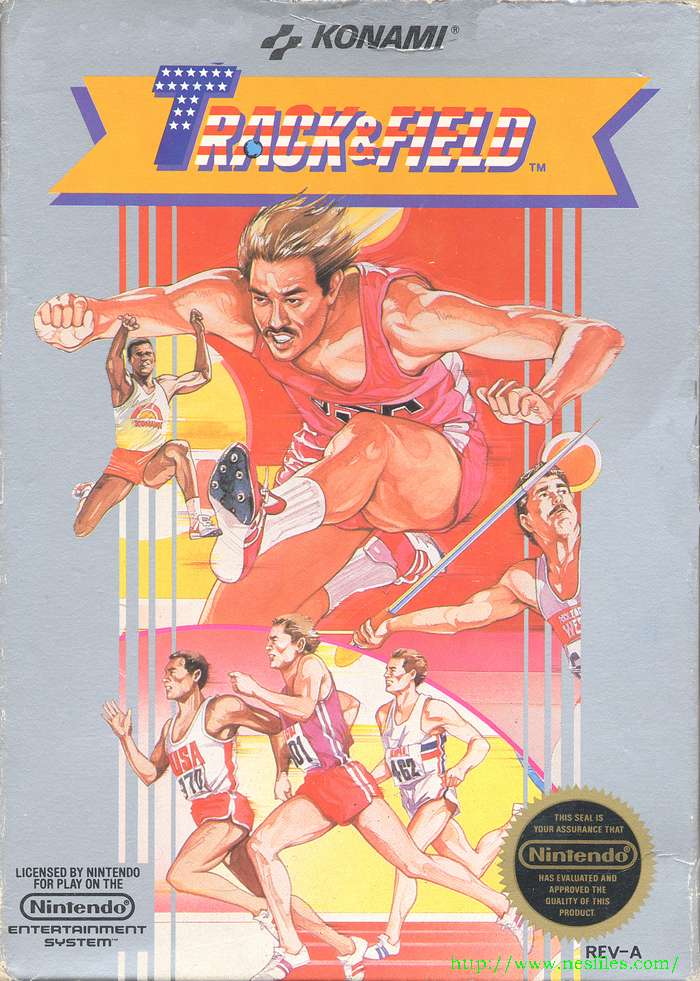
Track & Field
Qualify across eight sporting events, combining rapid running inputs with carefully timed jumps, throws and shots.
Browser play
Nintendo Entertainment System (NES) / Famicom — EmulatorJS controls
Default Player 1 keyboard mapping. Change keys in Controllers Setting.
| Console button | Keyboard |
|---|---|
| ↑ / ↓ / ← / → | ↑ / ↓ / ← / → |
| A / B | Z / X |
| START / SELECT | Enter / V |
Open Controllers Setting to configure your keyboard or gamepad. Touch controls are available on mobile.
How to Play Track & Field
Quick start
Use SELECT to pick 1P A for a novice solo game, then press START. On the event screen, use SELECT to choose the 100-metre dash and START to begin. Wait for the starting signal before rapidly tapping A; three false starts disqualify you. In later jumping and throwing events, use the directional pad for the action and its angle.
Controls
A: tap rapidly to run in athletic events; it also handles right-hand skeet shots and archery timing. Directional pad: jump or release a throw and set its angle; left-hand skeet shot; archery can use either A or the pad. B is unused. SELECT chooses player count, A novice/B expert class and starting event. START begins or pauses. Two human players alternate.
Track & Field — About this game
The US NES game brings together eight events: the 100-metre dash, long jump, 110-metre hurdles, javelin, skeet shooting, triple jump, archery and high jump. You choose novice or expert competition and the event to start from, then must meet each qualifying time, distance or score to continue. Running demands fast presses, but take-off timing and the angle of a throw can decide whether that speed becomes a useful result. Skeet and archery shift the challenge toward choosing the right instant to shoot. Two people can compare results by taking turns with their own controllers. Each event asks for a different balance of speed and precision.
Cheats
No cheats have been added for this edition.