More browsing paths
Play Apple Town Monogatari: Little Computer People (Japan edition · Japanese) Online
Apple Town Monogatari: Little Computer People
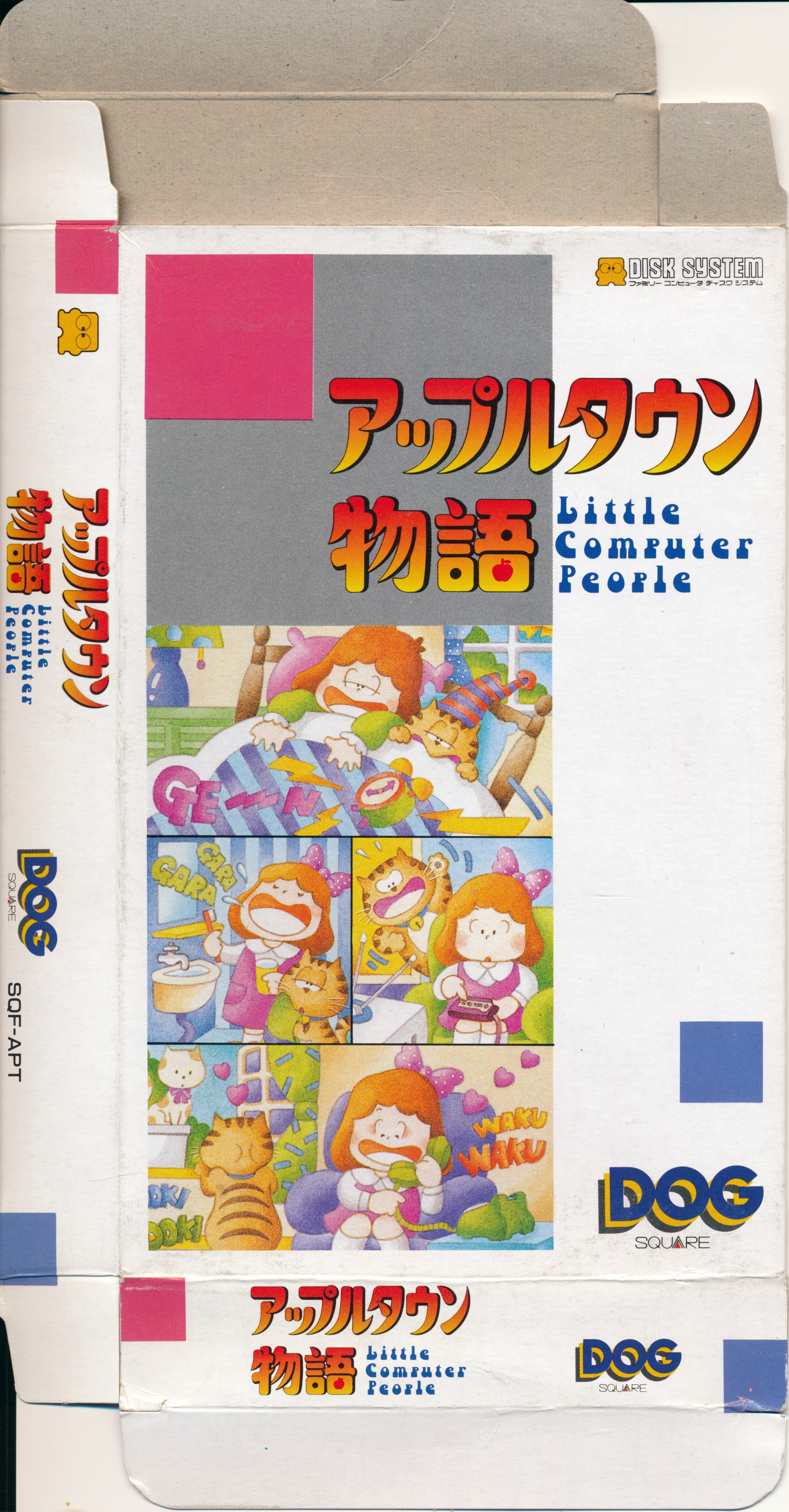
Play FDS version of Apple Town Story online. Watch the life of the girl and the cat, and enjoy their daily reactions by delivering food and letters, or asking them to play the piano.
Browser play
Nintendo Entertainment System (NES) / Famicom — EmulatorJS controls
Default Player 1 keyboard mapping. Change keys in Controller Settings.
| Console button | Keyboard |
|---|---|
| ↑ / ↓ / ← / → | ↑ / ↓ / ← / → |
| A / B | Z / X |
| START / SELECT | Enter / V |
Open Controller Settings to configure your keyboard or gamepad. Touch controls are available on mobile.
How to Play Apple Town Monogatari: Little Computer People
Quick start
When the house screen appears, first take a look at what the girl and cat are doing. Press A and eight icons will appear. Use the cross button to select the food, milk, or cat food icons, then press A again to deliver them. If you want to cancel your request and return to observation, close the icon with SELECT. Once you get used to it, try sending letters, Famicom cassettes, or asking for a piano using musical notes and wait for his reaction.
Controls
A: Display the icon and press A again after selecting it. Cross button: Select icon. SELECT: Close icon. Choose from eight approaches: telephone, letter, food, milk, cat food, Famicom cassette, fortune telling, and piano. It is not an operation that directly controls the movement of the girl.
Apple Town Monogatari: Little Computer People — About this game
A work that relates to daily life through icons, watching a girl and her cat spend time in a three-story house. Rather than walking the girl directly, he delivers food, milk, and cat food, and presents her with letters and Famicom cassettes, waiting for her reaction. You can ask someone to play the piano using the music note icon, but whether or not they will play it depends on your mood. The focus is on moving around the house, getting ready, and watching the play activities, which is fun in a way that is different from games that force you to rush through actions one after another. Let's keep an eye on the changes in people's lives and help them by delivering what they need from time to time.
Cheats
No cheats have been added for this edition.
Player verification and sources
Browser play was reviewed before this edition was published in the catalogue. The date below is the catalogue publication date, not the game’s original release date.
- Browser test and catalogue publication date
- Browsers and devices
- PC: Chrome, Edge and Firefox. Mobile: Chrome on Android and Safari on iPhone and iPad.
- Player engine and core
- EmulatorJS 4.3.0-pre · nes
- Tested by
- rwEmulator
Sources and editorial basis
rwEmulator reviews edition metadata, release information, game manuals and first-hand browser-play notes. Available manuals are linked below; the editorial policy explains how facts are checked and corrections are handled.