More browsing paths
Play Alien Arena (English) Online
Alien Arena
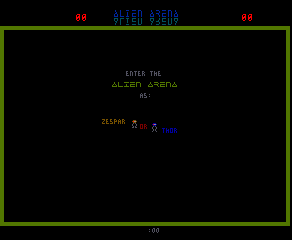
Play Alien Arena online. Gather pieces, deploy a completed object and protect the flag before crossing the arena.
Browser play
Arcade — EmulatorJS controls
Default Player 1 keyboard mapping. Change keys in Controller Settings.
| Console button | Keyboard |
|---|---|
| ↑ / ↓ / ← / → | ↑ / ↓ / ← / → |
| RetroPad A / B / X / Y | Z / X / A / S |
| L / R | Q / E |
| Insert coin | V |
| START | Enter |
Open Controller Settings to configure your keyboard or gamepad. Touch controls are available on mobile.
How to Play Alien Arena
Quick start
- Collect pieces of a useful colour.
- Watch the object’s remaining requirement.
- Carry the completed object into position.
- Press Place and prepare for the barrier to open.
Controls
Move with the joystick. Place deploys or launches a completed object. Flush discards the current unfinished collection so another object can be assembled. Only one object can be prepared at a time.
Alien Arena — About this game
Alien Arena challenges Thor and Zespar to capture the opposing flag while protecting their own. Colour-coded pieces assemble offensive or defensive objects, one at a time. The status bar shows the remaining requirement; a finished object must be carried to its deployment position. Early in each round, the barrier leaves time to prepare before either player can reach the opposite side.
Cheats
No cheats have been added for this edition.
Player verification and sources
Browser play was reviewed before this edition was published in the catalogue. The date below is the catalogue publication date, not the game’s original release date.
- Browser test and catalogue publication date
- Browsers and devices
- PC: Chrome, Edge and Firefox. Mobile: Chrome on Android and Safari on iPhone and iPad.
- Player engine and core
- EmulatorJS 4.3.0-pre · arcade
- Tested by
- rwEmulator
Sources and editorial basis
rwEmulator reviews edition metadata, release information, game manuals and first-hand browser-play notes. Available manuals are linked below; the editorial policy explains how facts are checked and corrections are handled.