More browsing paths
Play Aztarac (English) Online
Aztarac
Play Aztarac online. Use the scanner to find threats and aim the turret independently while defending the four outposts.
Browser play
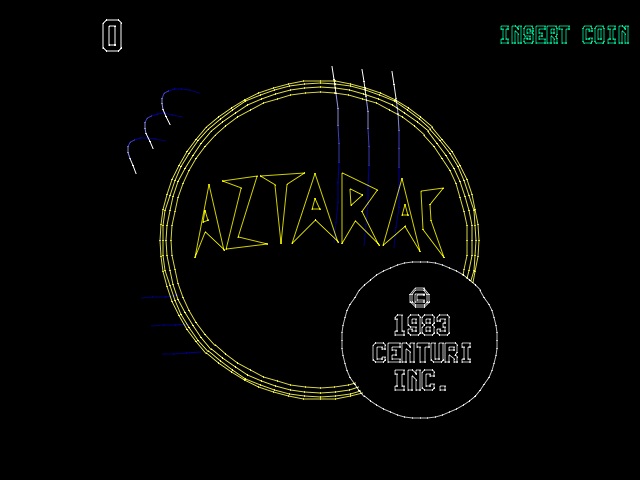
Arcade — EmulatorJS controls
Default Player 1 keyboard mapping. Change keys in Controller Settings.
| Console button | Keyboard |
|---|---|
| ↑ / ↓ / ← / → | ↑ / ↓ / ← / → |
| RetroPad A / B / X / Y | Z / X / A / S |
| L / R | Q / E |
| Insert coin | V |
| START | Enter |
Open Controller Settings to configure your keyboard or gamepad. Touch controls are available on mobile.
How to Play Aztarac
Quick start
- Check the scanner for approaching enemies.
- Move toward the threatened outpost.
- Rotate the turret toward the attackers without abandoning the route.
- Fire and check for the next incoming group.
Controls
Flight-style joystick: move the tank. Joystick trigger: fire. Separate knob: rotate the turret independently. Scanner button: show offscreen attackers.
Aztarac — About this game
Aztarac defends four outposts against waves of approaching spacecraft. The space tank’s movement and turret rotation have independent controls, allowing the player to retreat or reposition while keeping the gun aimed elsewhere. A scanner reveals attackers outside the visible area, helping decide which outpost needs attention next. Because the sites must be protected as well as the tank, concentrating on the nearest enemy can leave another approach exposed. Steering, rotating and checking the scanner work together throughout each wave.
Aztarac Game manuals
Cheats
Infinite Credits
1 "开启", 0, 0xFFE8E3, 0x99Player verification and sources
Browser play was reviewed before this edition was published in the catalogue. The date below is the catalogue publication date, not the game’s original release date.
- Browser test and catalogue publication date
- Browsers and devices
- PC: Chrome, Edge and Firefox. Mobile: Chrome on Android and Safari on iPhone and iPad.
- Player engine and core
- EmulatorJS 4.3.0-pre · arcade
- Tested by
- rwEmulator
Sources and editorial basis
rwEmulator reviews edition metadata, release information, game manuals and first-hand browser-play notes. Available manuals are linked below; the editorial policy explains how facts are checked and corrections are handled.