More browsing paths
Play Bucky O'Hare (ver AAB) (Revision AAB · English) Online
Bucky O'Hare (ver AAB)
Play Bucky O'Hare (ver AAB) online. Fight the Toad Empire with shooting, jumping and character-specific weapons.
Browser play
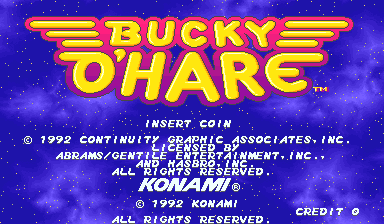
Arcade — EmulatorJS controls
Default Player 1 keyboard mapping. Change keys in Controller Settings.
| Console button | Keyboard |
|---|---|
| ↑ / ↓ / ← / → | ↑ / ↓ / ← / → |
| RetroPad A / B / X / Y | Z / X / A / S |
| L / R | Q / E |
| Insert coin | V |
| START | Enter |
Open Controller Settings to configure your keyboard or gamepad. Touch controls are available on mobile.
How to Play Bucky O'Hare (ver AAB)
Quick start
- Choose a hero and move with the joystick.
- Shoot enemies and jump over threats.
- Use the special weapon and bombs according to this version’s controls.
Controls
Directional control: move. Shoot: attack. Jump: jump; hold to slow descent. Non-US versions: third button uses a bomb; Shoot+Jump on the ground uses the character’s Gimmick Weapon.
Bucky O'Hare (ver AAB) — About this game
Bucky O’Hare sends four selectable heroes through an arcade adventure against the Toad Empire. Move around the scrolling playfield, attack enemies and defeat each stage’s boss. A life gauge tracks damage, while pickups replenish health, improve weapons or add bombs. The arcade releases use three action buttons, but the American and non-American versions assign different functions to their third button and combined inputs.
Bucky O'Hare (ver AAB) Game manuals
Cheats
No cheats have been added for this edition.
Player verification and sources
Browser play was reviewed before this edition was published in the catalogue. The date below is the catalogue publication date, not the game’s original release date.
- Browser test and catalogue publication date
- Browsers and devices
- PC: Chrome, Edge and Firefox. Mobile: Chrome on Android and Safari on iPhone and iPad.
- Player engine and core
- EmulatorJS 4.3.0-pre · arcade
- Tested by
- rwEmulator
Sources and editorial basis
rwEmulator reviews edition metadata, release information, game manuals and first-hand browser-play notes. Available manuals are linked below; the editorial policy explains how facts are checked and corrections are handled.