More browsing paths
Play Black Widow (English) Online
Black Widow
Play Black Widow online. Move around the web independently of the firing direction and collect rewards before the competing bug does.
Browser play
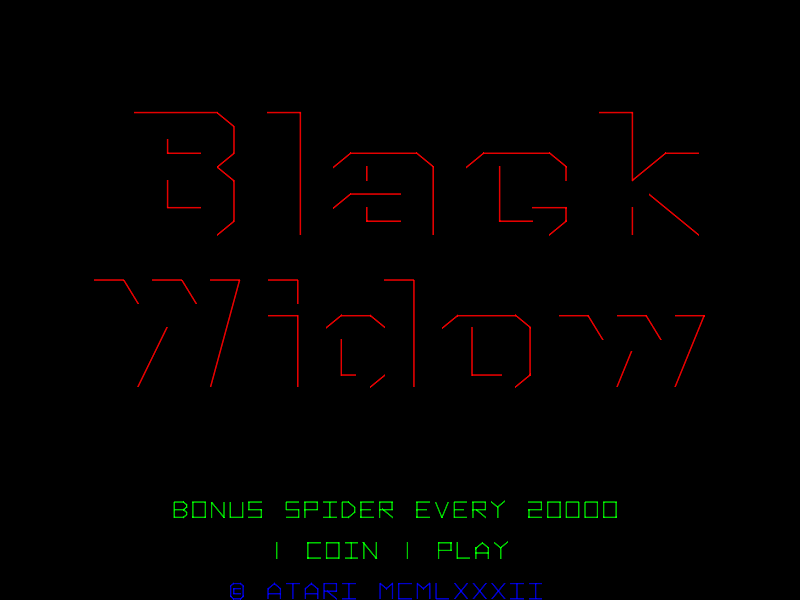
Arcade — EmulatorJS controls
Default Player 1 keyboard mapping. Change keys in Controller Settings.
| Console button | Keyboard |
|---|---|
| ↑ / ↓ / ← / → | ↑ / ↓ / ← / → |
| RetroPad A / B / X / Y | Z / X / A / S |
| L / R | Q / E |
| Insert coin | V |
| START | Enter |
Open Controller Settings to configure your keyboard or gamepad. Touch controls are available on mobile.
How to Play Black Widow
Quick start
- Move the spider away from incoming bugs.
- Aim with the separate firing lever.
- Collect rewards left by destroyed enemies.
- Clear vulnerable eggs and watch where the Bug Slayer is taking points.
Controls
Left joystick: move the spider. Right joystick: choose the firing direction independently of movement.
Black Widow — About this game
Black Widow defends a web with separate controls for movement and firing direction. Bugs arrive around the playfield, and shooting them can leave rewards to collect while the spider keeps moving. The Bug Slayer also attacks the intruders, helping in crowded situations but competing for the available points. Some enemies leave eggs that can be pushed from the web before they hatch. Keeping a route between threats while directing the gun elsewhere gives the player a way to handle more than one approach at once.
Black Widow Game manuals
Cheats
No cheats have been added for this edition.
Player verification and sources
Browser play was reviewed before this edition was published in the catalogue. The date below is the catalogue publication date, not the game’s original release date.
- Browser test and catalogue publication date
- Browsers and devices
- PC: Chrome, Edge and Firefox. Mobile: Chrome on Android and Safari on iPhone and iPad.
- Player engine and core
- EmulatorJS 4.3.0-pre · arcade
- Tested by
- rwEmulator
Sources and editorial basis
rwEmulator reviews edition metadata, release information, game manuals and first-hand browser-play notes. Available manuals are linked below; the editorial policy explains how facts are checked and corrections are handled.