More browsing paths
Play ATV: Quad Power Racing (Europe edition) Online
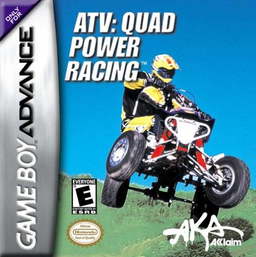
ATV: Quad Power Racing
Play ATV: Quad Power Racing online on GBA, racing Stock, Pro and Open quads through Arcade events and an unlock-driven Challenge season.
Browser play
Game Boy Advance (GBA) — EmulatorJS controls
Default Player 1 keyboard mapping. Change keys in Controller Settings.
| Console button | Keyboard |
|---|---|
| ↑ / ↓ / ← / → | ↑ / ↓ / ← / → |
| A / B | Z / X |
| L / R | Q / E |
| START / SELECT | Enter / V |
Open Controller Settings to configure your keyboard or gamepad. Touch controls are available on mobile.
How to Play ATV: Quad Power Racing
Quick start
Press START to open the Main Menu and pick ARCADE for an immediate single race. Choose your quad, class, available circuit and race style, then use it to practise for Challenge. Challenge starts on Stock quads and makes you clear tracks to unlock faster machines, new courses and further events.
Controls
In menus, use the Control Pad to highlight or toggle, A to confirm and B to go back. On the track, Left/Right steer, A accelerates, B brakes or reverses, SELECT changes the camera and START pauses. Collect Super Speed, Turbo and Super Traction at useful points on the course.
ATV: Quad Power Racing Game manuals
Cheats
No cheats have been added for this edition.
Player verification and sources
Browser play was reviewed before this edition was published in the catalogue. The date below is the catalogue publication date, not the game’s original release date.
- Browser test and catalogue publication date
- Browsers and devices
- PC: Chrome, Edge and Firefox. Mobile: Chrome on Android and Safari on iPhone and iPad.
- Player engine and core
- EmulatorJS 4.3.0-pre · gba
- Tested by
- rwEmulator
Sources and editorial basis
rwEmulator reviews edition metadata, release information, game manuals and first-hand browser-play notes. Available manuals are linked below; the editorial policy explains how facts are checked and corrections are handled.