More browsing paths
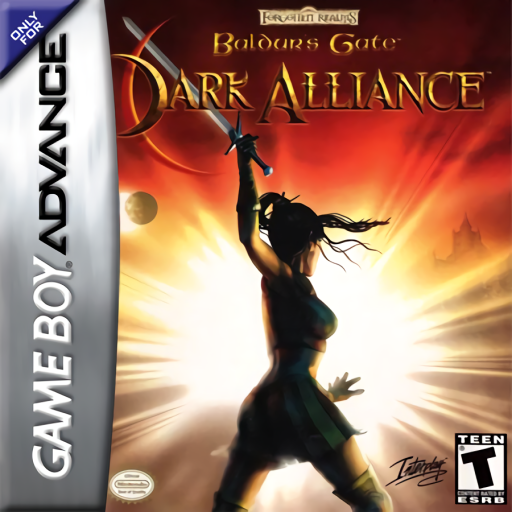
Play Baldur's Gate: Dark Alliance (US edition) Online
Baldur's Gate: Dark Alliance
Play Baldur's Gate: Dark Alliance online, choose a hero, explore the Elfsong cellar and battle through a compact GBA action RPG with weapons and magic.
Browser play
Game Boy Advance (GBA) — EmulatorJS controls
Default Player 1 keyboard mapping. Change keys in Controller Settings.
| Console button | Keyboard |
|---|---|
| ↑ / ↓ / ← / → | ↑ / ↓ / ← / → |
| A / B | Z / X |
| L / R | Q / E |
| START / SELECT | Enter / V |
Open Controller Settings to configure your keyboard or gamepad. Touch controls are available on mobile.
How to Play Baldur's Gate: Dark Alliance
Quick start
Choose New Game, select the Arcane Archer, Fighter or Sorcerer, and allocate the opening points. At the Elfsong Tavern, speak to Alyth and then Ethon by the fireplace to receive the cellar key and a rusty dagger. Open the inventory with START, equip the dagger with A, use B at the cellar door, clear the giant rats, and report back to Alyth.
Controls
D-Pad: move; A: attack or cast the selected active spell/feat; B: talk, open, pick up or otherwise interact; R: cycle melee, ranged and magic selections; L: block; L+A: healing potion; L+B: rejuvenation potion; START: pause/inventory. Save from the System tab; loading keeps status and items but restarts the current level.
Baldur's Gate: Dark Alliance Game manuals
Cheats
No cheats have been added for this edition.
Player verification and sources
Browser play was reviewed before this edition was published in the catalogue. The date below is the catalogue publication date, not the game’s original release date.
- Browser test and catalogue publication date
- Browsers and devices
- PC: Chrome, Edge and Firefox. Mobile: Chrome on Android and Safari on iPhone and iPad.
- Player engine and core
- EmulatorJS 4.3.0-pre · gba
- Tested by
- rwEmulator
Sources and editorial basis
rwEmulator reviews edition metadata, release information, game manuals and first-hand browser-play notes. Available manuals are linked below; the editorial policy explains how facts are checked and corrections are handled.