More browsing paths
Play Battleship (GB Compatible · US_EU edition · English) Online
Battleship
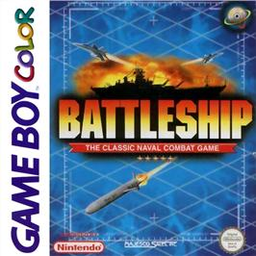
Play Battleship online on GBC. Battleship puts hidden fleets on an eight-by-eight grid and asks you to find the enemy before your own ships sink.
Browser play
Game Boy Color (GBC) — EmulatorJS controls
Default Player 1 keyboard mapping. Change keys in Controller Settings.
| Console button | Keyboard |
|---|---|
| ↑ / ↓ / ← / → | ↑ / ↓ / ← / → |
| A / B | Z / X |
| START / SELECT | Enter / V |
Open Controller Settings to configure your keyboard or gamepad. Touch controls are available on mobile.
How to Play Battleship
Quick start
At the title press START, choose 1 Player with SELECT and begin. Move each ship, rotate with B and place with A. Confirm the layout, choose a square on the enemy grid and press A to fire.
Controls
The D-pad moves ships, sights and menu selection. B rotates during placement and opens the Battle Menu during combat. A places, fires, selects items and confirms deployment. Use the shot record to distinguish misses, hits and sunk vessels.
Battleship — About this game
After a hit, search nearby squares to work out the ship's direction. A miss is useful information, so do not waste another turn firing there. Radar costs a firing turn and its reading is brief; remember what it shows before the next shot. Keep special weapons for a pattern that can benefit from their coverage instead of spending every item immediately.
Battleship Game manuals
Cheats
No cheats have been added for this edition.
Player verification and sources
Browser play was reviewed before this edition was published in the catalogue. The date below is the catalogue publication date, not the game’s original release date.
- Browser test and catalogue publication date
- Browsers and devices
- PC: Chrome, Edge and Firefox. Mobile: Chrome on Android and Safari on iPhone and iPad.
- Player engine and core
- EmulatorJS 4.3.0-pre · gb
- Tested by
- rwEmulator
Sources and editorial basis
rwEmulator reviews edition metadata, release information, game manuals and first-hand browser-play notes. Available manuals are linked below; the editorial policy explains how facts are checked and corrections are handled.