More browsing paths
Play Bratz Babyz (US edition) Online
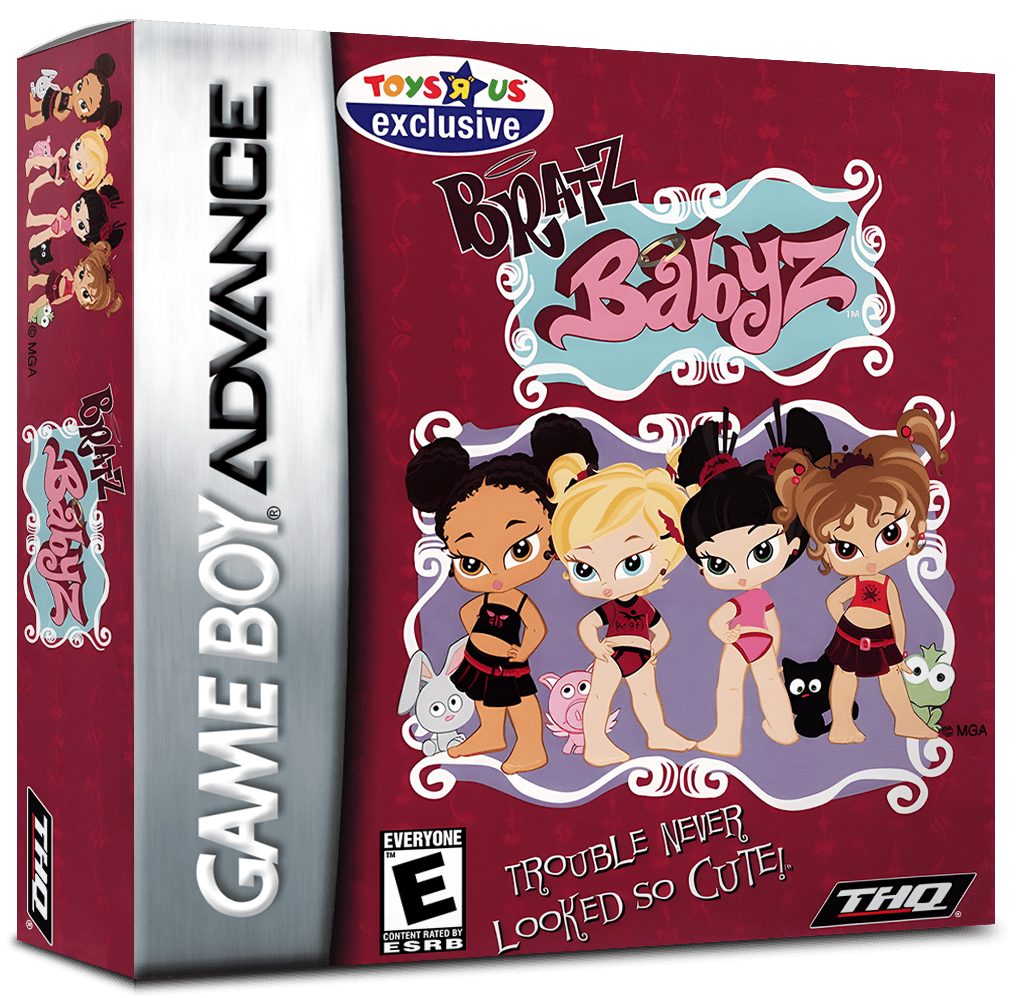
Bratz Babyz
Play Bratz Babyz online and explore the mall through varied GBA minigames, from maze sneaking and vehicle jumping to coin collecting and paddling.
Browser play
Game Boy Advance (GBA) — EmulatorJS controls
Default Player 1 keyboard mapping. Change keys in Controller Settings.
| Console button | Keyboard |
|---|---|
| ↑ / ↓ / ← / → | ↑ / ↓ / ← / → |
| A / B | Z / X |
| L / R | Q / E |
| START / SELECT | Enter / V |
Open Controller Settings to configure your keyboard or gamepad. Touch controls are available on mobile.
How to Play Bratz Babyz
Quick start
Press START at the title screen. On the Main Menu, move around the mall with the D-pad and press A on a shop or activity. A useful first stop is Castle Mazenstein: guide the Babyz through the play-castle maze to the secret exit beneath the ball pit, avoiding the boys and Miss Calabash while using thrown balls as distractions.
Controls
Mall menu: D-pad moves the pointer, A selects a game, B returns to the title screen, and START advances from the title. Each minigame has its own controls: Castle Mazenstein uses D-pad to move, A to throw a ball and B to sneak; Snappy's Wild Ride uses D-pad to move, A to jump and B to boost when available; Fountain of Youths uses D-pad to steer, L/R to paddle left/right and A to launch a pet. Follow the on-screen prompt in the other activities.
Bratz Babyz Game manuals
Cheats
No cheats have been added for this edition.
Player verification and sources
Browser play was reviewed before this edition was published in the catalogue. The date below is the catalogue publication date, not the game’s original release date.
- Browser test and catalogue publication date
- Browsers and devices
- PC: Chrome, Edge and Firefox. Mobile: Chrome on Android and Safari on iPhone and iPad.
- Player engine and core
- EmulatorJS 4.3.0-pre · gba
- Tested by
- rwEmulator
Sources and editorial basis
rwEmulator reviews edition metadata, release information, game manuals and first-hand browser-play notes. Available manuals are linked below; the editorial policy explains how facts are checked and corrections are handled.