More browsing paths
Play Breeder (Japan edition · Japanese) Online
Breeder
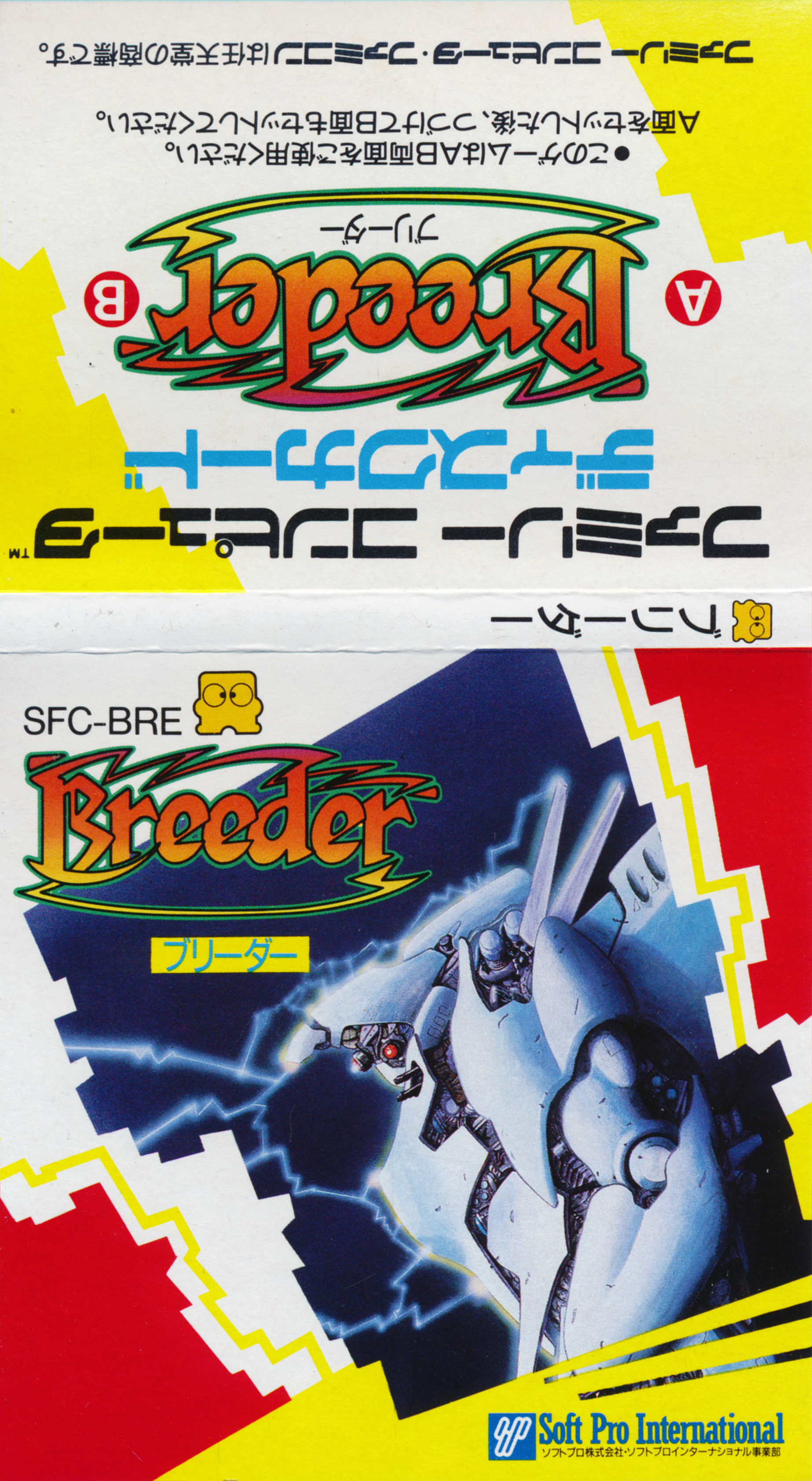
Play the FDS version of ``Breeder'' online. Select a machine, allocate ability points, design an AI robot, and find the strongest settings from the results of automatic battles.
Browser play
Nintendo Entertainment System (NES) / Famicom — EmulatorJS controls
Default Player 1 keyboard mapping. Change keys in Controller Settings.
| Console button | Keyboard |
|---|---|
| ↑ / ↓ / ← / → | ↑ / ↓ / ← / → |
| A / B | Z / X |
| START / SELECT | Enter / V |
Open Controller Settings to configure your keyboard or gamepad. Touch controls are available on mobile.
How to Play Breeder
Quick start
After registering the name, go to ADJUSTMENT and select the shape of the robot with SELECT. Move the cursor to each ability with the cross button, adjust the value within the range of available points, and press A to confirm. At first, try to balance movement, attack, defense, etc. instead of maximizing just one ability. At GAME START, select two bodies to battle against, and when fighting a CPU, select SELECT to display a list of CPUs. The match is automatic, so watch how you lose, go back to settings, and adjust the allocation.
Controls
Cross button: Select items such as menu, aircraft, ability values, etc. A: Determined. B: Return to previous screen. SELECT: ADJUSTMENT changes the robot shape, and GAME START displays a list of CPU bodies. SELECT during a match: Pause the match. During battle, there is no direct operation to move or attack the robot, and it fights automatically according to the set abilities.
Breeder — About this game
``Bleeder'' is a simulation game for the Famicom Disk System in which players create combat robots with artificial intelligence and compete against each other in an arena. Choose from seven types of robots, including bipedal, snake, caterpillar, and hover, and allocate limited points to multiple abilities to create your own robot. The match begins by selecting two of the registered robots to fight against, or by selecting the CPU robot, but the player cannot directly control the robot during the battle. Movements and attacks are left to the set performance and AI, so the central strategy is to observe the results, review and readjust excessive distribution and weaknesses. Let's aim for a design that can win consecutive victories against CPU aircraft.
Cheats
No cheats have been added for this edition.
Player verification and sources
Browser play was reviewed before this edition was published in the catalogue. The date below is the catalogue publication date, not the game’s original release date.
- Browser test and catalogue publication date
- Browsers and devices
- PC: Chrome, Edge and Firefox. Mobile: Chrome on Android and Safari on iPhone and iPad.
- Player engine and core
- EmulatorJS 4.3.0-pre · nes
- Tested by
- rwEmulator
Sources and editorial basis
rwEmulator reviews edition metadata, release information, game manuals and first-hand browser-play notes. Available manuals are linked below; the editorial policy explains how facts are checked and corrections are handled.