More browsing paths
Play Bust-A-Move DS (US edition · English) Online
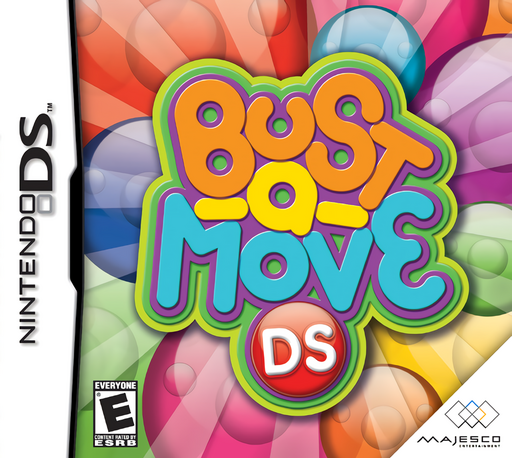
Bust-A-Move DS
Play Bust-A-Move DS online. Pull back a bubble like a slingshot, aim at matching colours and drop clusters before they cross the danger line.
Browser play
Nintendo DS (NDS) — EmulatorJS controls
Default Player 1 keyboard mapping. Change keys in Controller Settings.
| Console button | Keyboard |
|---|---|
| ↑ / ↓ / ← / → | ↑ / ↓ / ← / → |
| A / B / X / Y | Z / X / A / S |
| L / R | Q / E |
| START / SELECT | Enter / V |
| Microphone | Not assigned |
Open Controller Settings to configure your keyboard or gamepad. Touch controls are available on mobile.
How to Play Bust-A-Move DS
Quick start
Choose Single Player, then Puzzle and the first available puzzle. In the default touch controls, hold the loaded bubble on the lower screen, pull down and angle opposite your target, then release. Aim to join at least two bubbles of the same colour above. Remove supporting groups to drop hanging bubbles and clear the field before it crosses the red danger line. Practise a few shots before moving to Endless or VS CPU.
Controls
DS touch mode: drag the loaded bubble down and release to fire; change the pull angle to aim. In VS play, drag an attack jewel onto an opponent's avatar. Default button mode: D-pad or L/R adjusts the launcher, A fires, B goes back and START opens pause. X/Y handle VS attacks. Button assignments can be changed in Options; touch and button modes have different menu contexts.
Bust-A-Move DS — About this game
Bust-A-Move DS places the bubble field on the upper screen and a touch-operated launcher below. Grab the loaded bubble, pull in the opposite direction of your intended shot and release to send it into the field. Connecting it with at least two bubbles of the same colour clears the group, and bubbles left without support fall away. Puzzle mode presents fixed arrangements to solve, Endless keeps the challenges coming and VS CPU adds an opponent and attack items. The original DS game also offers a configurable button-control mode, so its distinctive slingshot is a choice rather than the only way to aim. Reading the next colour and looking for supporting clusters help conserve shots.
Bust-A-Move DS Game manuals
Cheats
No cheats have been added for this edition.
Player verification and sources
Browser play was reviewed before this edition was published in the catalogue. The date below is the catalogue publication date, not the game’s original release date.
- Browser test and catalogue publication date
- Browsers and devices
- PC: Chrome, Edge and Firefox. Mobile: Chrome on Android and Safari on iPhone and iPad.
- Player engine and core
- EmulatorJS 4.3.0-pre · nds
- Tested by
- rwEmulator
Sources and editorial basis
rwEmulator reviews edition metadata, release information, game manuals and first-hand browser-play notes. Available manuals are linked below; the editorial policy explains how facts are checked and corrections are handled.