More browsing paths
Play California Games (US edition · English) Online
California Games
California Games NES guide covering six events, practice and competition, surfing and skating controls, scoring and multiplayer setup.
Browser play
Nintendo Entertainment System (NES) / Famicom — EmulatorJS controls
Default Player 1 keyboard mapping. Change keys in Controller Settings.
| Console button | Keyboard |
|---|---|
| ↑ / ↓ / ← / → | ↑ / ↓ / ← / → |
| A / B | Z / X |
| START / SELECT | Enter / V |
Open Controller Settings to configure your keyboard or gamepad. Touch controls are available on mobile.
How to Play California Games
Quick start
Choose Practice One Event. In surfing, steer away from the wipeout line and use A for sharper turns. In skating, tap A in rhythm for speed, hold B to crouch and release it to jump. Learn one event at a time before entering all six.
Controls
Menus use Up/Down and A; Start pauses. Surfing uses Left/Right to steer and held A for sharp turns. Skating uses repeated A for speed, held B to crouch and released B to jump; the D-pad steers or spins. Other events have their own manual-listed sequences.
California Games — About this game
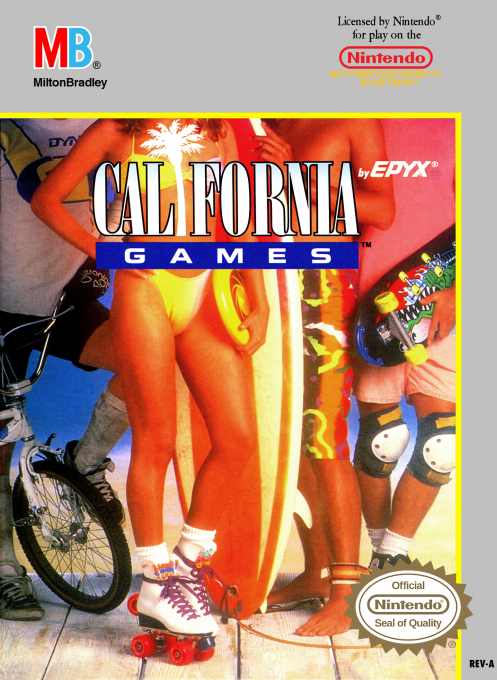
California Games packages six score-based sports into one NES competition: half-pipe skateboarding, freestyle footbag, surfing, roller skating, BMX racing and flying disc. Players may attempt every event, select a subset, practise one discipline or review high scores. Each event uses different timing and directional techniques, so practice is essential before a full multiplayer contest.
Cheats
No cheats have been added for this edition.
Player verification and sources
Browser play was reviewed before this edition was published in the catalogue. The date below is the catalogue publication date, not the game’s original release date.
- Browser test and catalogue publication date
- Browsers and devices
- PC: Chrome, Edge and Firefox. Mobile: Chrome on Android and Safari on iPhone and iPad.
- Player engine and core
- EmulatorJS 4.3.0-pre · nes
- Tested by
- rwEmulator
Sources and editorial basis
rwEmulator reviews edition metadata, release information, game manuals and first-hand browser-play notes. Available manuals are linked below; the editorial policy explains how facts are checked and corrections are handled.