More browsing paths
Play Call of Duty: Black Ops (US edition · English) Online
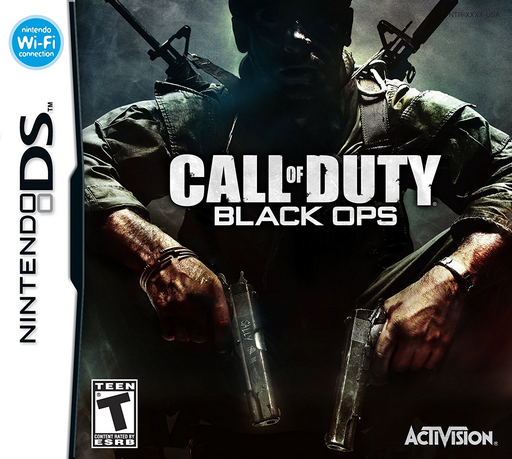
Call of Duty - Black Ops
Play Call of Duty: Black Ops online. Fight a DS-specific military campaign with stylus aiming, training challenges and a separate Zombie mode. See the Nintendo DS starting guide and controls.
Browser play
Nintendo DS (NDS) — EmulatorJS controls
Default Player 1 keyboard mapping. Change keys in Controller Settings.
| Console button | Keyboard |
|---|---|
| ↑ / ↓ / ← / → | ↑ / ↓ / ← / → |
| A / B / X / Y | Z / X / A / S |
| L / R | Q / E |
| START / SELECT | Enter / V |
| Microphone | Not assigned |
Open Controller Settings to configure your keyboard or gamepad. Touch controls are available on mobile.
How to Play Call of Duty: Black Ops
Quick start
From Single Player, choose Training first. Practise movement, fire, reloading and the ADS ribbon, then enter Campaign. Follow the gold-star objective marker. After unlocking missions, use Quickplay to revisit one instead of starting the story over.
Controls
Touch style: move with the Control Pad, slide the stylus to look/aim and use the selected L/R fire control. Tap the primary weapon icon to reload, the secondary icon to swap and the ADS ribbon to aim down sights. Double-tap pad Up or X to sprint; double-tap pad Down or B changes stance. Touch the highlighted action area to interact.
Call of Duty: Black Ops — About this game
This handheld Black Ops follows military missions across different hotspots rather than reproducing the console campaign. Move through firefights with the directional pad while the stylus tracks targets and the touch interface handles weapons, reloading and usable objects. Training introduces the controls before the campaign, and Quickplay returns to unlocked missions. Challenge and Arcade modes give completed areas another purpose, while Zombie mode tests survival on its own maps. Watch the objective marker and use cover while choosing when to aim down sights. The two control styles also let you choose between touch aiming and a button-based camera, so set up the scheme before the action becomes crowded.
Call of Duty: Black Ops Game manuals
Cheats
No cheats have been added for this edition.
Player verification and sources
Browser play was reviewed before this edition was published in the catalogue. The date below is the catalogue publication date, not the game’s original release date.
- Browser test and catalogue publication date
- Browsers and devices
- PC: Chrome, Edge and Firefox. Mobile: Chrome on Android and Safari on iPhone and iPad.
- Player engine and core
- EmulatorJS 4.3.0-pre · nds
- Tested by
- rwEmulator
Sources and editorial basis
rwEmulator reviews edition metadata, release information, game manuals and first-hand browser-play notes. Available manuals are linked below; the editorial policy explains how facts are checked and corrections are handled.