More browsing paths
Play Championship Pool (US edition · English) Online
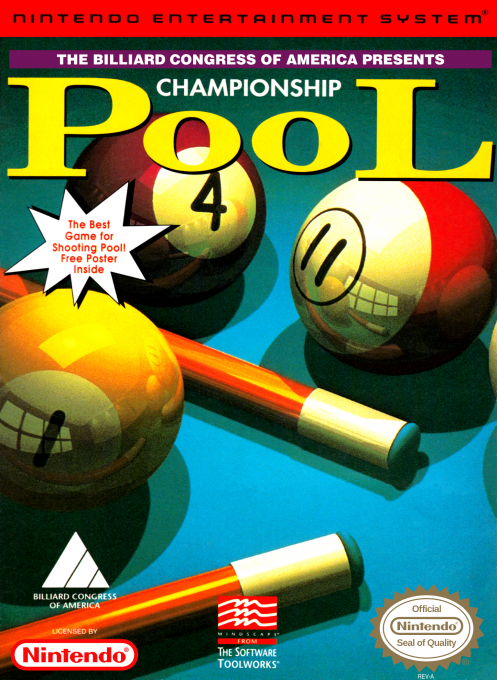
Championship Pool
Learn Championship Pool on NES with controls for aiming, power, spin, table views and called shots, plus a quick start for its tournament and party modes.
Browser play
Nintendo Entertainment System (NES) / Famicom — EmulatorJS controls
Default Player 1 keyboard mapping. Change keys in Controller Settings.
| Console button | Keyboard |
|---|---|
| ↑ / ↓ / ← / → | ↑ / ↓ / ← / → |
| A / B | Z / X |
| START / SELECT | Enter / V |
Open Controller Settings to configure your keyboard or gamepad. Touch controls are available on mobile.
How to Play Championship Pool
Quick start
Press Start to open the main menu, choose a game mode, and follow the menus with the D-pad and A. At the table, aim with the D-pad, press A to activate the phantom-ball guide, refine the line, then press A again to strike. Use B to open the power meter; in call-shot games, hold Select and press A to name the intended shot.
Controls
D-pad: navigate menus and aim. Start: begin play or open the main menu. Select: change table view; hold it with A to call a shot or move balls in Freestyle, with B to set spin, or with the D-pad to move the close-up camera. A: select, activate the phantom ball, then shoot. B: open the power meter; hold B with the D-pad for fine aim.
Championship Pool — About this game
Championship Pool brings a broad selection of cue-sports formats to the NES, including tournament and party play for as many as eight players. The aiming system combines an overhead or close-up table view with a phantom-ball guide, adjustable power, fine aim, spin, and called shots where the rules require them. Beginners can practice freely, while experienced players can work through structured competition and tune speed, accuracy, and touch across a variety of billiards games.
Cheats
No cheats have been added for this edition.
Player verification and sources
Browser play was reviewed before this edition was published in the catalogue. The date below is the catalogue publication date, not the game’s original release date.
- Browser test and catalogue publication date
- Browsers and devices
- PC: Chrome, Edge and Firefox. Mobile: Chrome on Android and Safari on iPhone and iPad.
- Player engine and core
- EmulatorJS 4.3.0-pre · nes
- Tested by
- rwEmulator
Sources and editorial basis
rwEmulator reviews edition metadata, release information, game manuals and first-hand browser-play notes. Available manuals are linked below; the editorial policy explains how facts are checked and corrections are handled.