More browsing paths
Play Chungjeon! Hanguginui Sangsingnyeok DS (South Korea edition · Korean) Online
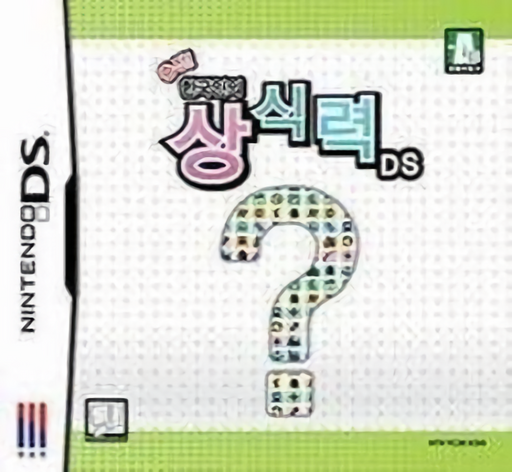
Chungjeon! Hanguginui Sangsingnyeok DS
Play Chungjeon! Hanguginui Sangsingnyeok DS online. Answer Korean general-knowledge questions and write crossword solutions with the stylus. See the Nintendo DS starting guide and controls.
Browser play
Nintendo DS (NDS) — EmulatorJS controls
Default Player 1 keyboard mapping. Change keys in Controller Settings.
| Console button | Keyboard |
|---|---|
| ↑ / ↓ / ← / → | ↑ / ↓ / ← / → |
| A / B / X / Y | Z / X / A / S |
| L / R | Q / E |
| START / SELECT | Enter / V |
| Microphone | Not assigned |
Open Controller Settings to configure your keyboard or gamepad. Touch controls are available on mobile.
How to Play Chungjeon! Hanguginui Sangsingnyeok DS
Quick start
Choose a quiz or crossword, read the Korean prompt and inspect its answer format. Complete a short set and revisit unfamiliar terminology in the reference section.
Controls
Tap displayed choices or write into the crossword answer area with the stylus. Follow the current question's confirmation or correction controls; picture and free-answer questions require their own input format.
Chungjeon! Hanguginui Sangsingnyeok DS — About this game
Chungjeon! Hanguginui Sangsingnyeok DS turns Korean general knowledge into interactive quizzes. Four-choice questions, picture questions and free-answer formats vary what you must do, while crosswords use handwritten entry with the touch pen. An encyclopedia-style reference helps explain terms, but answering and checking knowledge remain central. Begin with a short quiz and read the requested answer format before writing: a choice and an open answer need different responses. When a clue is unfamiliar, use the reference to understand it and return to the question rather than guessing repeatedly.
Chungjeon! Hanguginui Sangsingnyeok DS Game manuals
Cheats
No cheats have been added for this edition.
Player verification and sources
Browser play was reviewed before this edition was published in the catalogue. The date below is the catalogue publication date, not the game’s original release date.
- Browser test and catalogue publication date
- Browsers and devices
- PC: Chrome, Edge and Firefox. Mobile: Chrome on Android and Safari on iPhone and iPad.
- Player engine and core
- EmulatorJS 4.3.0-pre · nds
- Tested by
- rwEmulator
Sources and editorial basis
rwEmulator reviews edition metadata, release information, game manuals and first-hand browser-play notes. Available manuals are linked below; the editorial policy explains how facts are checked and corrections are handled.