More browsing paths
Play Classic NES Series: Metroid (US edition) Online
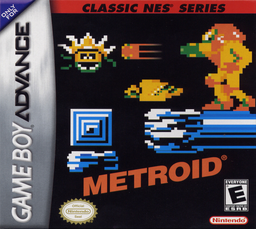
Classic NES Series: Metroid
Play Classic NES Series: Metroid online and experience its original NES gameplay with the GBA system menu for saving or sleep.
Browser play
Game Boy Advance (GBA) — EmulatorJS controls
Default Player 1 keyboard mapping. Change keys in Controller Settings.
| Console button | Keyboard |
|---|---|
| ↑ / ↓ / ← / → | ↑ / ↓ / ← / → |
| A / B | Z / X |
| L / R | Q / E |
| START / SELECT | Enter / V |
Open Controller Settings to configure your keyboard or gamepad. Touch controls are available on mobile.
How to Play Classic NES Series: Metroid
Quick start
Start a new game in Brinstar, go left first to collect the Morph Ball, then return right and explore for missiles and energy tanks. Draw a simple map or remember landmarks, because rooms repeat and the game gives no automap. Return to coloured doors after finding the matching weapon.
Controls
Left/Right moves; Up aims upward; Down enters Morph Ball after obtaining it. A jumps, B fires, SELECT switches between beam and missiles, and START pauses. L+R opens the GBA system menu for Continue, Reset, save and Sleep Mode.
Classic NES Series: Metroid Game manuals
Cheats
No cheats have been added for this edition.
Player verification and sources
Browser play was reviewed before this edition was published in the catalogue. The date below is the catalogue publication date, not the game’s original release date.
- Browser test and catalogue publication date
- Browsers and devices
- PC: Chrome, Edge and Firefox. Mobile: Chrome on Android and Safari on iPhone and iPad.
- Player engine and core
- EmulatorJS 4.3.0-pre · gba
- Tested by
- rwEmulator
Sources and editorial basis
rwEmulator reviews edition metadata, release information, game manuals and first-hand browser-play notes. Available manuals are linked below; the editorial policy explains how facts are checked and corrections are handled.