More browsing paths
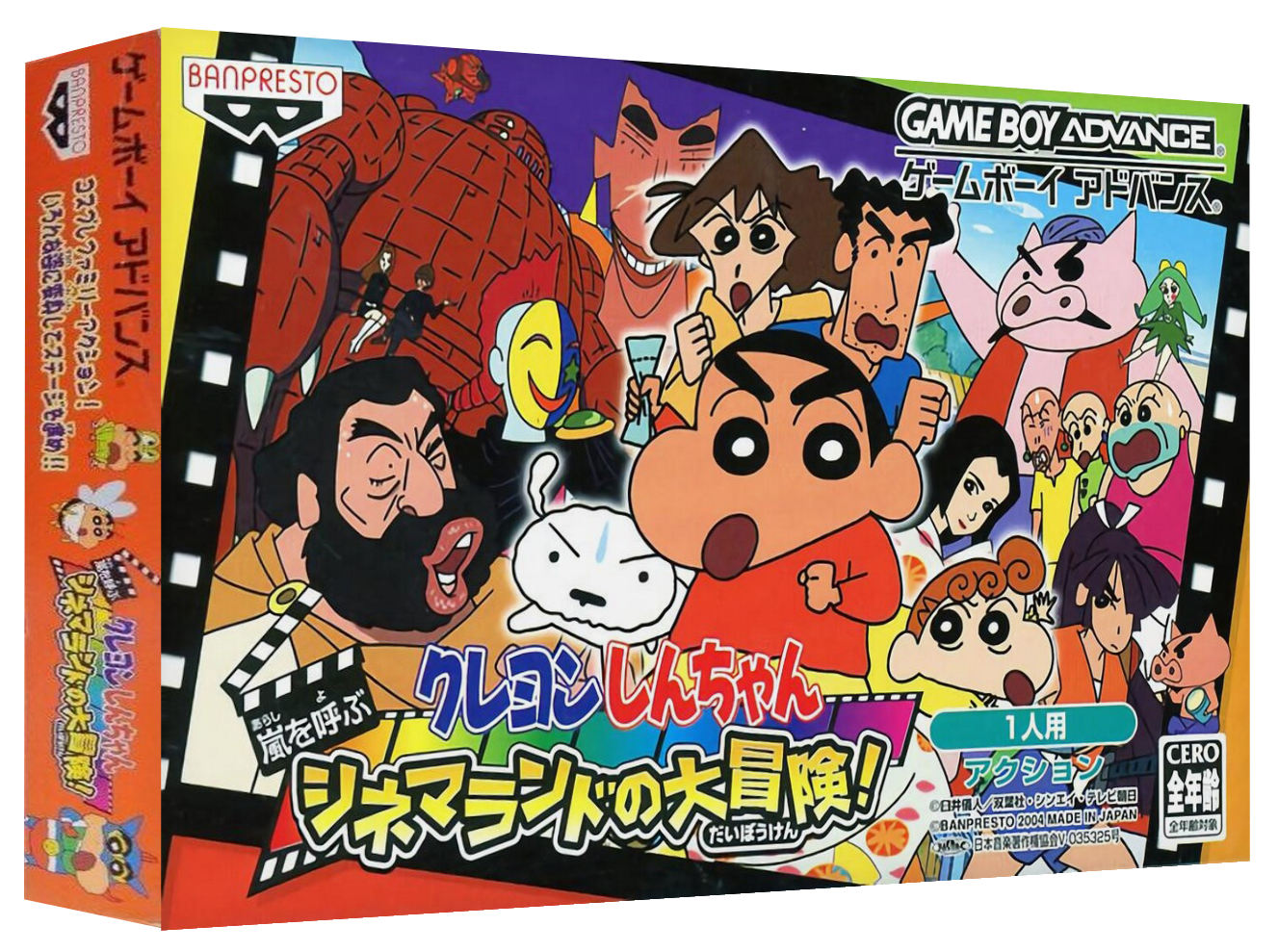
Play Crayon Shin-Chan: Arashi o Yobu Cinema-Land no Daibouken! (Japan edition) Online
Crayon Shin-Chan: Arashi no Yobu Cinema-Land no Daibouken!
Play Crayon Shin-chan Cinemaland Adventure online. This is a GBA action game where you advance through the movie world with costumes, help from your family, jumps and attacks.
Browser play
Game Boy Advance (GBA) — EmulatorJS controls
Default Player 1 keyboard mapping. Change keys in Controller Settings.
| Console button | Keyboard |
|---|---|
| ↑ / ↓ / ← / → | ↑ / ↓ / ← / → |
| A / B | Z / X |
| L / R | Q / E |
| START / SELECT | Enter / V |
Open Controller Settings to configure your keyboard or gamepad. Touch controls are available on mobile.
How to Play Crayon Shin-Chan: Arashi o Yobu Cinema-Land no Daibouken!
Quick start
Enter the first movie "Action Kamen VS Higure Demon King" from Cinemaland and first run to Misae to learn the basic operations. Jump with A, attack with B, and defeat the dog while collecting Chocobi to help Masao. They learn how to use telephone poles and buses as footholds to call their family members.
Controls
Left and right: Move. Above: Climb/Speak. Bottom: Action. A: Jump. B: Attack (actions such as grabbing with the tongue depending on the scene). L: Costume change. R: Call your family to help with the setup. START: Pause/Menu.
Cheats
No cheats have been added for this edition.
Player verification and sources
Browser play was reviewed before this edition was published in the catalogue. The date below is the catalogue publication date, not the game’s original release date.
- Browser test and catalogue publication date
- Browsers and devices
- PC: Chrome, Edge and Firefox. Mobile: Chrome on Android and Safari on iPhone and iPad.
- Player engine and core
- EmulatorJS 4.3.0-pre · gba
- Tested by
- rwEmulator
Sources and editorial basis
rwEmulator reviews edition metadata, release information, game manuals and first-hand browser-play notes. Available manuals are linked below; the editorial policy explains how facts are checked and corrections are handled.