More browsing paths
Play Rally Bike (US edition · English) Online
Rally Bike
Learn Rally Bike acceleration, braking, turbo, fuel stops, pickups, crashes, qualifying ranks and bike upgrades.
Browser play
Nintendo Entertainment System (NES) / Famicom — EmulatorJS controls
Default Player 1 keyboard mapping. Change keys in Controller Settings.
| Console button | Keyboard |
|---|---|
| ↑ / ↓ / ← / → | ↑ / ↓ / ← / → |
| A / B | Z / X |
| START / SELECT | Enter / V |
Open Controller Settings to configure your keyboard or gamepad. Touch controls are available on mobile.
How to Play Rally Bike
Quick start
Hold A to accelerate, steer Left/Right, and use B to brake. Press Up for extra speed only on a clear road. Watch fuel, stop on refueling areas, and prioritize the required finishing rank over risky pickups.
Controls
Left/Right: steer. A: accelerate. B: brake. Up: extra acceleration/turbo; Down: stronger deceleration. SELECT: one/two players. START: start/pause.
Rally Bike — About this game
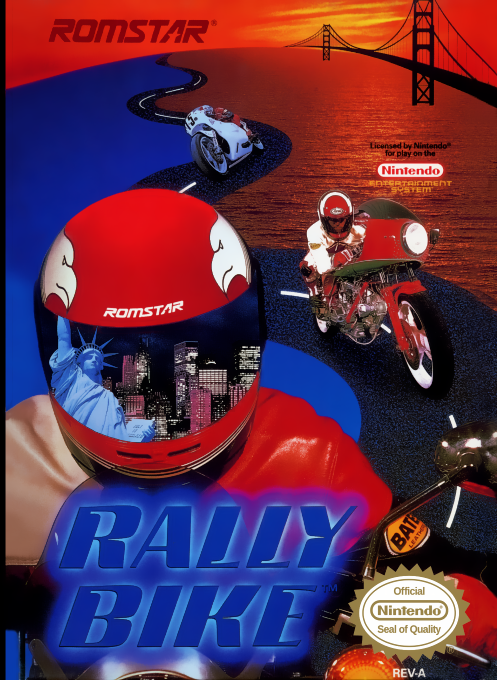
North American cartridge. Rally Bike is a top-down NES motorcycle race where position matters as much as speed. The rider starts deep in the field and must pass enough competitors to qualify. Collisions cost a bike and restart the course, while fuel constantly drains. Pit stops and helicopter items provide fuel, speed, protection, or points, and successful races unlock equipment improvements.
Cheats
No cheats have been added for this edition.
Player verification and sources
Browser play was reviewed before this edition was published in the catalogue. The date below is the catalogue publication date, not the game’s original release date.
- Browser test and catalogue publication date
- Browsers and devices
- PC: Chrome, Edge and Firefox. Mobile: Chrome on Android and Safari on iPhone and iPad.
- Player engine and core
- EmulatorJS 4.3.0-pre · nes
- Tested by
- rwEmulator
Sources and editorial basis
rwEmulator reviews edition metadata, release information, game manuals and first-hand browser-play notes. Available manuals are linked below; the editorial policy explains how facts are checked and corrections are handled.