More browsing paths
Play Desktop Tower Defense (US edition · English) Online
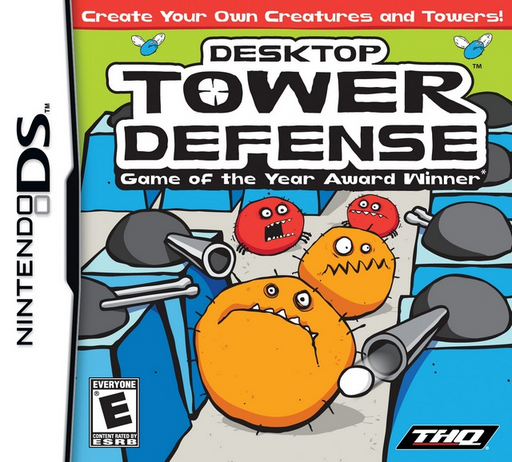
Desktop Tower Defense
Play Desktop Tower Defense online. Build the maze as well as its defenses, making Creeps spend longer inside your towers' range.
Browser play
Nintendo DS (NDS) — EmulatorJS controls
Default Player 1 keyboard mapping. Change keys in Controller Settings.
| Console button | Keyboard |
|---|---|
| ↑ / ↓ / ← / → | ↑ / ↓ / ← / → |
| A / B / X / Y | Z / X / A / S |
| L / R | Q / E |
| START / SELECT | Enter / V |
| Microphone | Not assigned |
Open Controller Settings to configure your keyboard or gamepad. Touch controls are available on mobile.
How to Play Desktop Tower Defense
Quick start
Begin the first defense stage and inspect the path leading to the exit. Build one affordable defense where it can cover passing enemies. Start the wave, watch what gets through and invest the reward in an upgrade or another useful position rather than spending blindly.
Controls
Select a tower with the DS stylus or menu controls and place it on a legal grid cell. Leave a route open to the exit. Select an existing tower to view range and upgrades, then use the displayed wave controls; towers aim automatically once enemies enter their coverage.
Desktop Tower Defense — About this game
Desktop Tower Defense gives tower placement two jobs: damaging enemies and shaping the route they follow. Begin with a few affordable towers, leave a valid passage and watch how the first ground wave moves around the layout. A longer path is useful only if the towers can actually cover it. Upgrades add power, but spending everything before understanding the next threat can leave a gap in your plan. Observe each wave, compare coverage and adapt to enemies that do not behave like ordinary walkers. The DS controls let you select positions and inspect towers while the attacks themselves happen automatically. Aim for a workable layout before an elaborate pattern.
Desktop Tower Defense Game manuals
Cheats
No cheats have been added for this edition.
Player verification and sources
Browser play was reviewed before this edition was published in the catalogue. The date below is the catalogue publication date, not the game’s original release date.
- Browser test and catalogue publication date
- Browsers and devices
- PC: Chrome, Edge and Firefox. Mobile: Chrome on Android and Safari on iPhone and iPad.
- Player engine and core
- EmulatorJS 4.3.0-pre · nds
- Tested by
- rwEmulator
Sources and editorial basis
rwEmulator reviews edition metadata, release information, game manuals and first-hand browser-play notes. Available manuals are linked below; the editorial policy explains how facts are checked and corrections are handled.