More browsing paths
Play Dexter's Laboratory: Deesaster Strikes! (US edition) Online
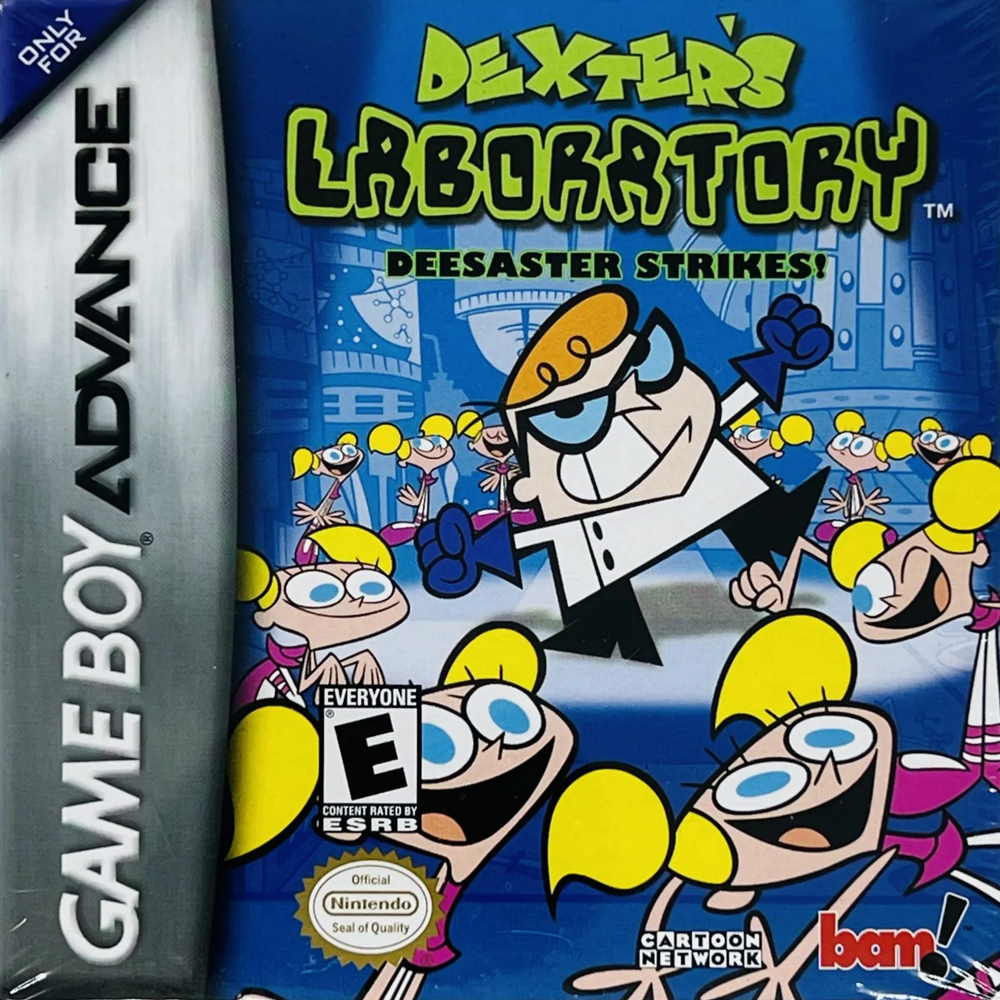
Dexter's Laboratory: Deesaster Strikes!
Play Dexter's Laboratory: Deesaster Strikes! online with a GBA-specific guide covering startup, the first objective, original button controls and practical beginner tips.
Browser play
Game Boy Advance (GBA) — EmulatorJS controls
Default Player 1 keyboard mapping. Change keys in Controller Settings.
| Console button | Keyboard |
|---|---|
| ↑ / ↓ / ← / → | ↑ / ↓ / ← / → |
| A / B | Z / X |
| L / R | Q / E |
| START / SELECT | Enter / V |
Open Controller Settings to configure your keyboard or gamepad. Touch controls are available on mobile.
How to Play Dexter's Laboratory: Deesaster Strikes!
Quick start
Press START at the title screen, choose START GAME, then select NEW GAME and register a name in one of the four save slots. New players should run TUTORIAL from the main menu first. In the opening laboratory stages, catch the miniature Dee Dees, repair damaged machines and defeat enemies; check the level map whenever the route branches, and use the inventory to select the right gadget for each machine.
Controls
D-Pad: walk, enter or leave doors, and highlight choices. A: jump or confirm. B: context action or cancel in menus. R: punch. L: scroll through inventory. SELECT: show the level map. START: pause and display the inventory screen. The Options menu can change the button configuration, so these are the documented defaults.
Dexter's Laboratory: Deesaster Strikes! Game manuals
Cheats
No cheats have been added for this edition.
Player verification and sources
Browser play was reviewed before this edition was published in the catalogue. The date below is the catalogue publication date, not the game’s original release date.
- Browser test and catalogue publication date
- Browsers and devices
- PC: Chrome, Edge and Firefox. Mobile: Chrome on Android and Safari on iPhone and iPad.
- Player engine and core
- EmulatorJS 4.3.0-pre · gba
- Tested by
- rwEmulator
Sources and editorial basis
rwEmulator reviews edition metadata, release information, game manuals and first-hand browser-play notes. Available manuals are linked below; the editorial policy explains how facts are checked and corrections are handled.