More browsing paths
Play Discovery Kids - Spider Quest (US edition · English / French / Spanish) Online
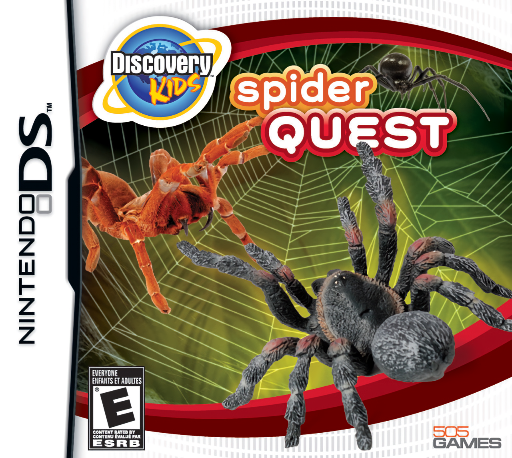
Discovery Kids - Spider Quest
Play Discovery Kids - Spider Quest online. Collect creatures for a museum and maintain their vivariums between expeditions.
Browser play
Nintendo DS (NDS) — EmulatorJS controls
Default Player 1 keyboard mapping. Change keys in Controller Settings.
| Console button | Keyboard |
|---|---|
| ↑ / ↓ / ← / → | ↑ / ↓ / ← / → |
| A / B / X / Y | Z / X / A / S |
| L / R | Q / E |
| START / SELECT | Enter / V |
| Microphone | Not assigned |
Open Controller Settings to configure your keyboard or gamepad. Touch controls are available on mobile.
How to Play Discovery Kids - Spider Quest
Quick start
Read the first expedition request, inspect the available area and complete one capture using its tutorial. Return to the collection area and examine the specimen before setting out again. Learn care and encounter commands separately so that a new discovery becomes a creature you can maintain.
Controls
Use the DS touch interface to choose locations, tools and creature commands. Capture, care and combat have different instructions: read the current panel, make the requested input and watch its result before trying another. Follow any microphone instruction only when the activity explicitly asks for it.
Discovery Kids - Spider Quest — About this game
Spider Quest links field collection to a museum project: create suitable vivariums, manage temperature and humidity, feed the creatures and tackle encounter or laboratory minigames. Begin with a small expedition and learn the capture prompt before chasing every creature in sight. Bring the specimen back, inspect its needs and provide the appropriate care. Encounters ask you to select commands, so read the available actions and observe the outcome rather than tapping as quickly as possible. Returning to the collection between outings connects field exploration to the simulation. Keep an eye on the current objective and change activities when another need appears. The DS panels explain the input for each task; use that guidance to build a manageable routine.
Discovery Kids - Spider Quest Game manuals
Cheats
No cheats have been added for this edition.
Player verification and sources
Browser play was reviewed before this edition was published in the catalogue. The date below is the catalogue publication date, not the game’s original release date.
- Browser test and catalogue publication date
- Browsers and devices
- PC: Chrome, Edge and Firefox. Mobile: Chrome on Android and Safari on iPhone and iPad.
- Player engine and core
- EmulatorJS 4.3.0-pre · nds
- Tested by
- rwEmulator
Sources and editorial basis
rwEmulator reviews edition metadata, release information, game manuals and first-hand browser-play notes. Available manuals are linked below; the editorial policy explains how facts are checked and corrections are handled.