More browsing paths
Play Disney's Cinderella: Magical Dreams (US edition) Online
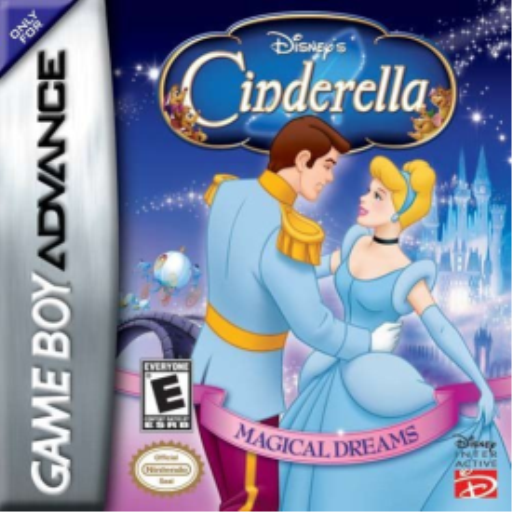
Disney's Cinderella: Magical Dreams
Play Disney's Cinderella: Magical Dreams online with a GBA-specific guide covering startup, the first objective, original controls and practical beginner tips.
Browser play
Game Boy Advance (GBA) — EmulatorJS controls
Default Player 1 keyboard mapping. Change keys in Controller Settings.
| Console button | Keyboard |
|---|---|
| ↑ / ↓ / ← / → | ↑ / ↓ / ← / → |
| A / B | Z / X |
| L / R | Q / E |
| START / SELECT | Enter / V |
Open Controller Settings to configure your keyboard or gamepad. Touch controls are available on mobile.
How to Play Disney's Cinderella: Magical Dreams
Quick start
Choose the language, press START, select New Game and an empty one of the three save files. The opening level controls Jaq and Gus: jump over drips and gaps, use shoulder charges to break marked walls, and throw buttons at spiders while following the route. There is no timer in most stages, so collect cheese for health and optional items before moving on.
Controls
D-Pad moves the current character. A jumps. B performs prompted Cinderella actions or throws a button as Jaq and Gus. R shoulder-charges as Jaq and Gus. START pauses. L and SELECT have no basic action. Later dance, spell and other set pieces display their own prompts.
Disney's Cinderella: Magical Dreams Game manuals
Cheats
No cheats have been added for this edition.
Player verification and sources
Browser play was reviewed before this edition was published in the catalogue. The date below is the catalogue publication date, not the game’s original release date.
- Browser test and catalogue publication date
- Browsers and devices
- PC: Chrome, Edge and Firefox. Mobile: Chrome on Android and Safari on iPhone and iPad.
- Player engine and core
- EmulatorJS 4.3.0-pre · gba
- Tested by
- rwEmulator
Sources and editorial basis
rwEmulator reviews edition metadata, release information, game manuals and first-hand browser-play notes. Available manuals are linked below; the editorial policy explains how facts are checked and corrections are handled.