More browsing paths
Play Disney Sports Soccer (US edition) Online
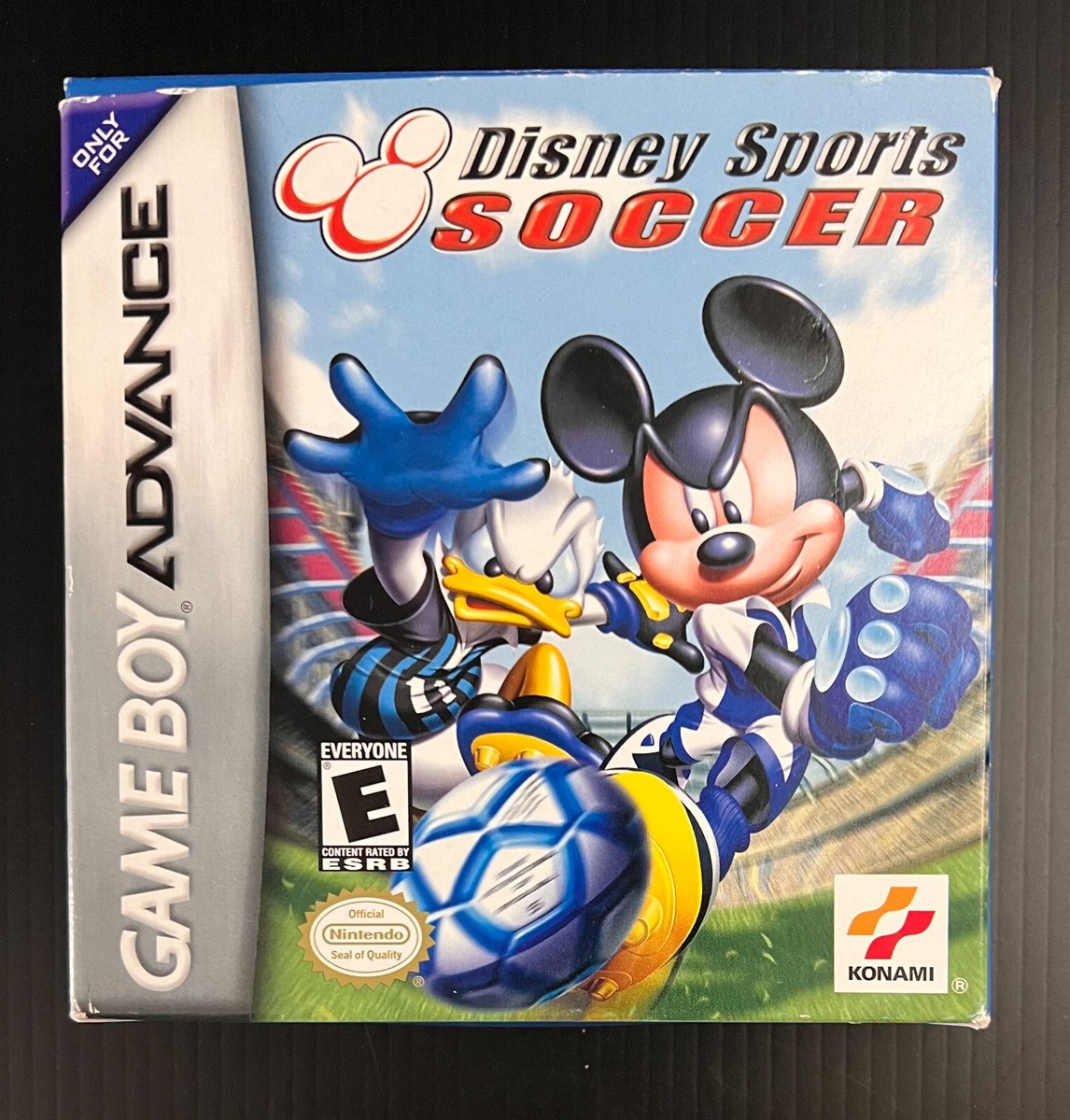
Disney Sports Soccer
Play Disney Sports Soccer online with a GBA-specific guide covering startup, the first objective, original button controls and practical beginner tips.
Browser play
Game Boy Advance (GBA) — EmulatorJS controls
Default Player 1 keyboard mapping. Change keys in Controller Settings.
| Console button | Keyboard |
|---|---|
| ↑ / ↓ / ← / → | ↑ / ↓ / ← / → |
| A / B | Z / X |
| L / R | Q / E |
| START / SELECT | Enter / V |
Open Controller Settings to configure your keyboard or gamepad. Touch controls are available on mobile.
How to Play Disney Sports Soccer
Quick start
Choose Solo Play, select a team and enter a match or tournament. With the ball, move into space and use B for a low pass or A for a high pass; inside the goal area those buttons become shots. Without the ball, use R to switch to the nearest defender and challenge with B or slide with A. Let the special gauge reach its usable blue flash before spending a footwear-based magic attack.
Controls
D-Pad moves and selects. With the ball: A makes a high pass or shot, B makes a low pass or shot, hold R to run, and L uses the equipped special; R+L jumps with the ball. Without the ball: A slides or jumps for an aerial ball, B challenges, and R changes player. START confirms choices and pauses; SELECT shows extra data in some menus.
Disney Sports Soccer Game manuals
Cheats
No cheats have been added for this edition.
Player verification and sources
Browser play was reviewed before this edition was published in the catalogue. The date below is the catalogue publication date, not the game’s original release date.
- Browser test and catalogue publication date
- Browsers and devices
- PC: Chrome, Edge and Firefox. Mobile: Chrome on Android and Safari on iPhone and iPad.
- Player engine and core
- EmulatorJS 4.3.0-pre · gba
- Tested by
- rwEmulator
Sources and editorial basis
rwEmulator reviews edition metadata, release information, game manuals and first-hand browser-play notes. Available manuals are linked below; the editorial policy explains how facts are checked and corrections are handled.