More browsing paths
Play Doom (US edition) Online
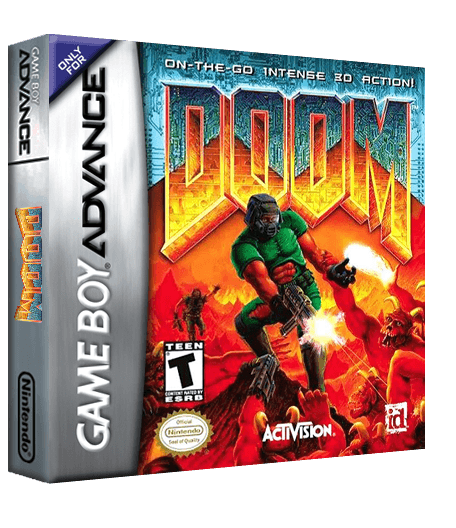
Doom
Play Doom online and fight through maze-like stages with firearms, keycards, switches, strafing and an automap against demons and possessed soldiers.
Browser play
Game Boy Advance (GBA) — EmulatorJS controls
Default Player 1 keyboard mapping. Change keys in Controller Settings.
| Console button | Keyboard |
|---|---|
| ↑ / ↓ / ← / → | ↑ / ↓ / ← / → |
| A / B | Z / X |
| L / R | Q / E |
| START / SELECT | Enter / V |
Open Controller Settings to configure your keyboard or gamepad. Touch controls are available on mobile.
How to Play Doom
Quick start
Choose New Game on the title menu, select a skill level, and begin E1M1: Hangar. Collect weapons and keycards, activate doors and switches, then locate the exit; use strafing around corners and check the automap when corridors loop back.
Controls
D-Pad moves forward/back and turns. A fires, B opens doors or activates switches, L/R strafe, Start pauses and Select opens the automap. Hold L+R and press Up/Down to cycle to the next/previous weapon.
Doom Game manuals
Cheats
No cheats have been added for this edition.
Player verification and sources
Browser play was reviewed before this edition was published in the catalogue. The date below is the catalogue publication date, not the game’s original release date.
- Browser test and catalogue publication date
- Browsers and devices
- PC: Chrome, Edge and Firefox. Mobile: Chrome on Android and Safari on iPhone and iPad.
- Player engine and core
- EmulatorJS 4.3.0-pre · gba
- Tested by
- rwEmulator
Sources and editorial basis
rwEmulator reviews edition metadata, release information, game manuals and first-hand browser-play notes. Available manuals are linked below; the editorial policy explains how facts are checked and corrections are handled.