More browsing paths
Play Dragon Ball Z: Buu's Fury (US edition) Online
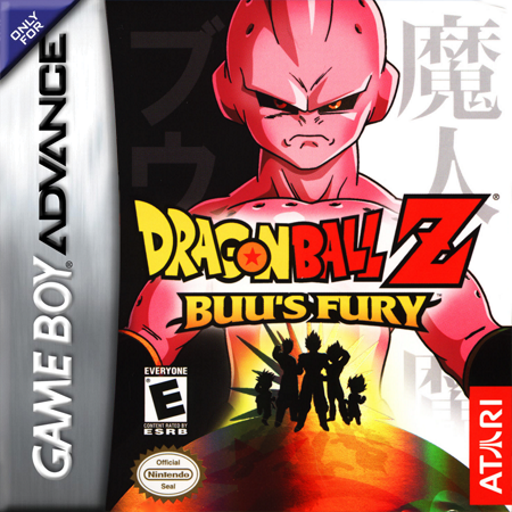
Dragon Ball Z: Buu's Fury
Play Dragon Ball Z: Buu's Fury online and follow the Majin Buu saga in an action RPG with melee and energy combat, character growth, equipment, quests, maps and save circles.
Browser play
Game Boy Advance (GBA) — EmulatorJS controls
Default Player 1 keyboard mapping. Change keys in Controller Settings.
| Console button | Keyboard |
|---|---|
| ↑ / ↓ / ← / → | ↑ / ↓ / ← / → |
| A / B | Z / X |
| L / R | Q / E |
| START / SELECT | Enter / V |
Open Controller Settings to configure your keyboard or gamepad. Touch controls are available on mobile.
How to Play Dragon Ball Z: Buu's Fury
Quick start
At the title screen choose Start, select one of the three save slots, and follow the opening quest in Other World. Speak to marked characters, use the mini-map to follow exits, and save at Save Circles; sprint between fights but block with R before answering enemy attacks.
Controls
D-Pad walks; double-tap to sprint. A uses melee attacks and confirms, B uses the selected energy attack and cancels, L cycles energy attacks, R blocks, Select pauses/opens the mini-map, and Start opens the status menu. On menus L/R change pages; stand on Save or Flight Circles and press A.
Dragon Ball Z: Buu's Fury Game manuals
Cheats
No cheats have been added for this edition.
Player verification and sources
Browser play was reviewed before this edition was published in the catalogue. The date below is the catalogue publication date, not the game’s original release date.
- Browser test and catalogue publication date
- Browsers and devices
- PC: Chrome, Edge and Firefox. Mobile: Chrome on Android and Safari on iPhone and iPad.
- Player engine and core
- EmulatorJS 4.3.0-pre · gba
- Tested by
- rwEmulator
Sources and editorial basis
rwEmulator reviews edition metadata, release information, game manuals and first-hand browser-play notes. Available manuals are linked below; the editorial policy explains how facts are checked and corrections are handled.