More browsing paths
Play Dragon Buster (Japan edition · Japanese) Online
Dragon Buster
Explains the basics of dash, double jump, helmet splitting, sword, magic item selection, and dragon battles in FC "Dragon Buster".
Browser play
Nintendo Entertainment System (NES) / Famicom — EmulatorJS controls
Default Player 1 keyboard mapping. Change keys in Controller Settings.
| Console button | Keyboard |
|---|---|
| ↑ / ↓ / ← / → | ↑ / ↓ / ← / → |
| A / B | Z / X |
| START / SELECT | Enter / V |
Open Controller Settings to configure your keyboard or gamepad. Touch controls are available on mobile.
How to Play Dragon Buster
Quick start
Move left and right and press the same direction twice to dash. Press A twice to jump two steps, and press B to swing your sword. Highly powerful helmet split with Down+B while jumping. Stop with START, select a spell with left and right, and use it with crouching medium A.
Controls
D-pad: Move, dash twice in the same direction, crouch down. A: Jump, double jump in 2 steps. B: Sword. Jump mid-down + B: Helmet split. START: Pause/Magic display, select with left and right during pose. Crouching Medium A: Use magic.
Dragon Buster — About this game
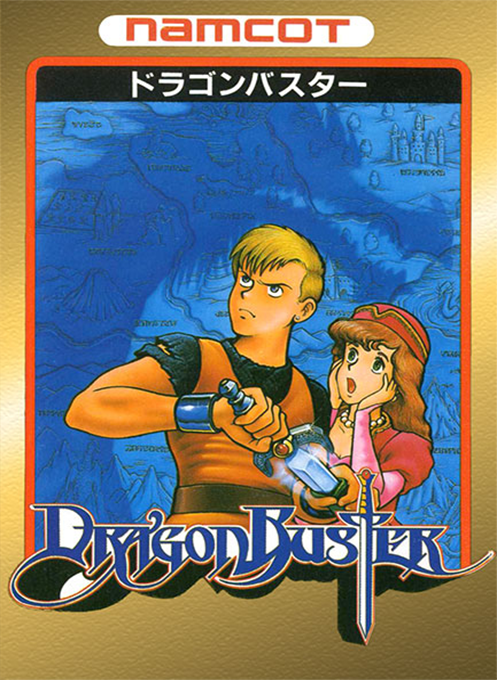
The Famicom version of ``Dragon Buster'' is a side-scrolling action RPG in which the hero Clovis chooses caves, ruins, and towers in various locations and fights a dragon at the end. Dashing by pressing the direction key repeatedly, double jumping with A, and splitting the helmet by pressing Down + B while jumping are important. Choose a magic item while posing and use it depending on the enemy and terrain.
Cheats
No cheats have been added for this edition.
Player verification and sources
Browser play was reviewed before this edition was published in the catalogue. The date below is the catalogue publication date, not the game’s original release date.
- Browser test and catalogue publication date
- Browsers and devices
- PC: Chrome, Edge and Firefox. Mobile: Chrome on Android and Safari on iPhone and iPad.
- Player engine and core
- EmulatorJS 4.3.0-pre · nes
- Tested by
- rwEmulator
Sources and editorial basis
rwEmulator reviews edition metadata, release information, game manuals and first-hand browser-play notes. Available manuals are linked below; the editorial policy explains how facts are checked and corrections are handled.