More browsing paths
Play E.T. and the Cosmic Garden (Europe edition · English / French / German / Spanish / Italian / Dutch) Online
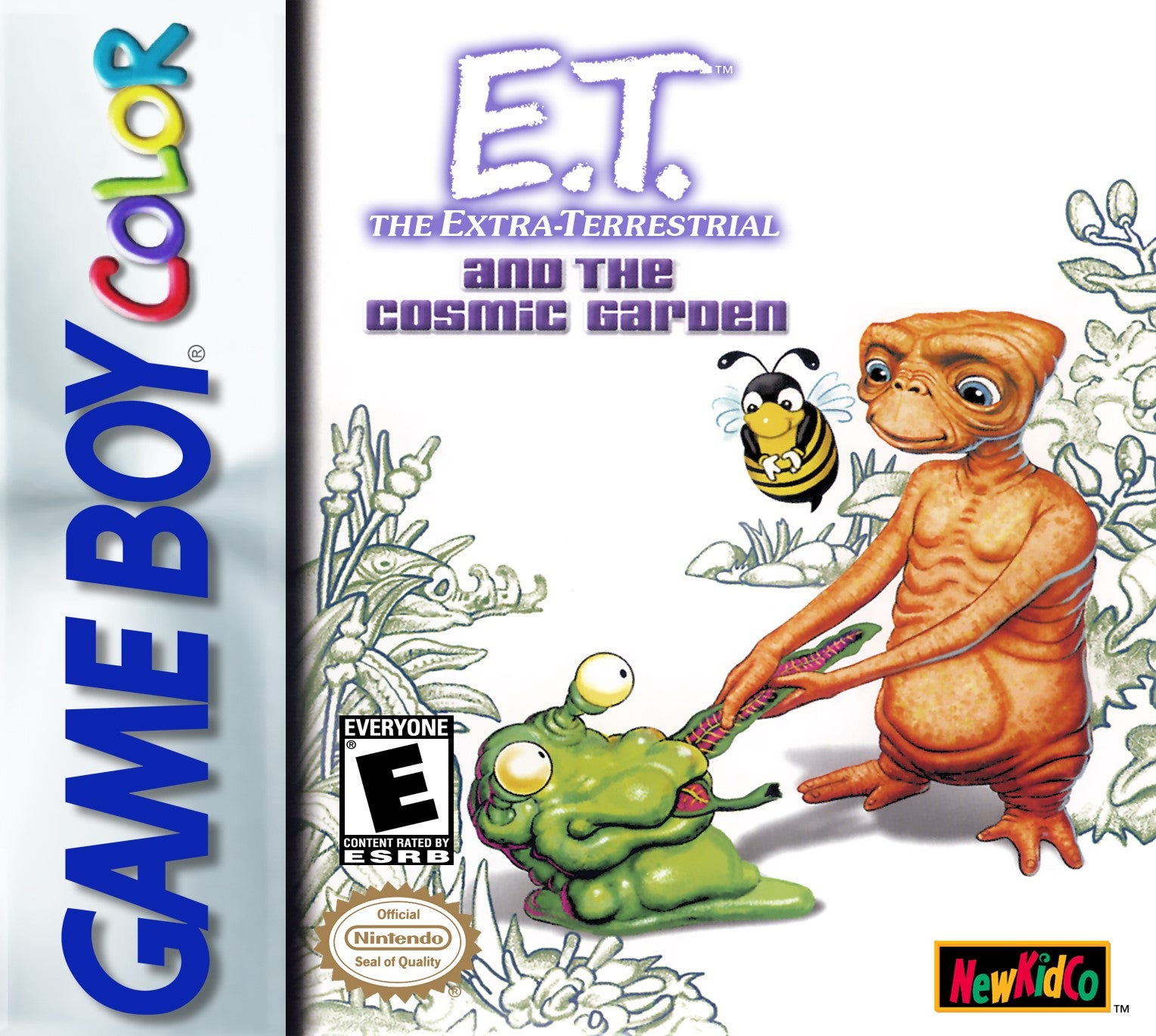
E.T. and the Cosmic Garden
Play E.T. and the Cosmic Garden online on GBC. E.
Browser play
Game Boy Color (GBC) — EmulatorJS controls
Default Player 1 keyboard mapping. Change keys in Controller Settings.
| Console button | Keyboard |
|---|---|
| ↑ / ↓ / ← / → | ↑ / ↓ / ← / → |
| A / B | Z / X |
| START / SELECT | Enter / V |
Open Controller Settings to configure your keyboard or gamepad. Touch controls are available on mobile.
How to Play E.T. and the Cosmic Garden
Quick start
Press START, choose a new save and enter a name. In the garden, face a movable object and press A to lift it. Move it over an empty patch and press A to drop, then open the tool menu with B to begin care.
Controls
The D-pad moves E.T. and menu selection. A levitates, uses, drops or selects an object. Face an object with a clear line of sight to lift it; drop only on empty soil. B opens the tool menu when empty-handed or cancels selections. START pauses.
E.T. and the Cosmic Garden — About this game
Inspect a plant before giving more water or food: too much care of one kind can be harmful. Arrange the greenhouse so that plants have useful conditions and room for handling. E.T.'s levitation moves plants, seeds, rocks and other objects without dragging them through obstacles, but dropping needs empty soil. Return regularly to established plants while investigating new specimens.
E.T. and the Cosmic Garden Game manuals
Cheats
No cheats have been added for this edition.
Player verification and sources
Browser play was reviewed before this edition was published in the catalogue. The date below is the catalogue publication date, not the game’s original release date.
- Browser test and catalogue publication date
- Browsers and devices
- PC: Chrome, Edge and Firefox. Mobile: Chrome on Android and Safari on iPhone and iPad.
- Player engine and core
- EmulatorJS 4.3.0-pre · gb
- Tested by
- rwEmulator
Sources and editorial basis
rwEmulator reviews edition metadata, release information, game manuals and first-hand browser-play notes. Available manuals are linked below; the editorial policy explains how facts are checked and corrections are handled.