More browsing paths
Play Electroplankton (US edition · English) Online
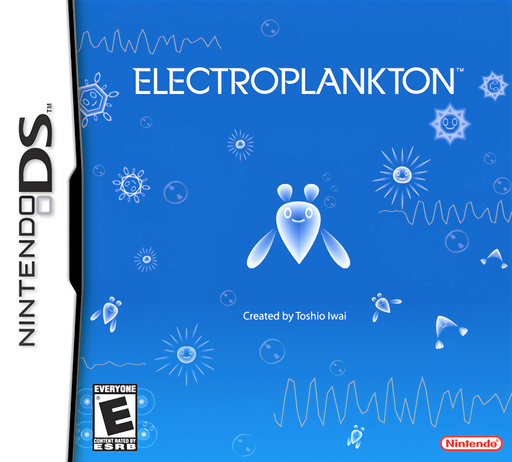
Electroplankton
Play Electroplankton online and explore ten musical creatures. Learn Performance mode, Tracy’s drawn paths, sound interactions and original DS touch controls.
Browser play
Nintendo DS (NDS) — EmulatorJS controls
Default Player 1 keyboard mapping. Change keys in Controller Settings.
| Console button | Keyboard |
|---|---|
| ↑ / ↓ / ← / → | ↑ / ↓ / ← / → |
| A / B / X / Y | Z / X / A / S |
| L / R | Q / E |
| START / SELECT | Enter / V |
| Microphone | Not assigned |
Open Controller Settings to configure your keyboard or gamepad. Touch controls are available on mobile.
How to Play Electroplankton
Quick start
Choose Performance mode on the title screen, then select Tracy and tap it or press A. Draw a path from a stationary Tracy and listen as it follows the line. Try a curve or circle next. Tap the ball at a path’s end to erase that path, or press SELECT to clear all Tracy paths. Press B to return to species selection and try another creature.
Controls
Tap and draw with the stylus; microphone and button effects vary by species. In play, X zooms the upper view in and Y zooms it out, START pauses and B returns to selection. On the selection screen, left/right browses species and A starts. With Tracy, SELECT erases all paths and A restores the original movement speed.
Electroplankton — About this game
Electroplankton presents ten species of tiny creatures that turn gestures and sound into music. Each responds differently, so exploring the controls is part of the experience. Tracy swims along paths you draw, with its tone changing according to direction; straight lines, curves and circles produce different journeys. Nanocarp responds to sounds such as clapping and your voice. Performance mode lets you select a species and interact, while Audience mode puts the plankton in charge of the performance. The touch screen is the main instrument, with the microphone and buttons taking different roles for different species. You can zoom the upper view, pause the session or return to select another creature.
Electroplankton Game manuals
Cheats
No cheats have been added for this edition.
Player verification and sources
Browser play was reviewed before this edition was published in the catalogue. The date below is the catalogue publication date, not the game’s original release date.
- Browser test and catalogue publication date
- Browsers and devices
- PC: Chrome, Edge and Firefox. Mobile: Chrome on Android and Safari on iPhone and iPad.
- Player engine and core
- EmulatorJS 4.3.0-pre · nds
- Tested by
- rwEmulator
Sources and editorial basis
rwEmulator reviews edition metadata, release information, game manuals and first-hand browser-play notes. Available manuals are linked below; the editorial policy explains how facts are checked and corrections are handled.