More browsing paths
Play Elf Bowling 1 & 2 (US edition) Online
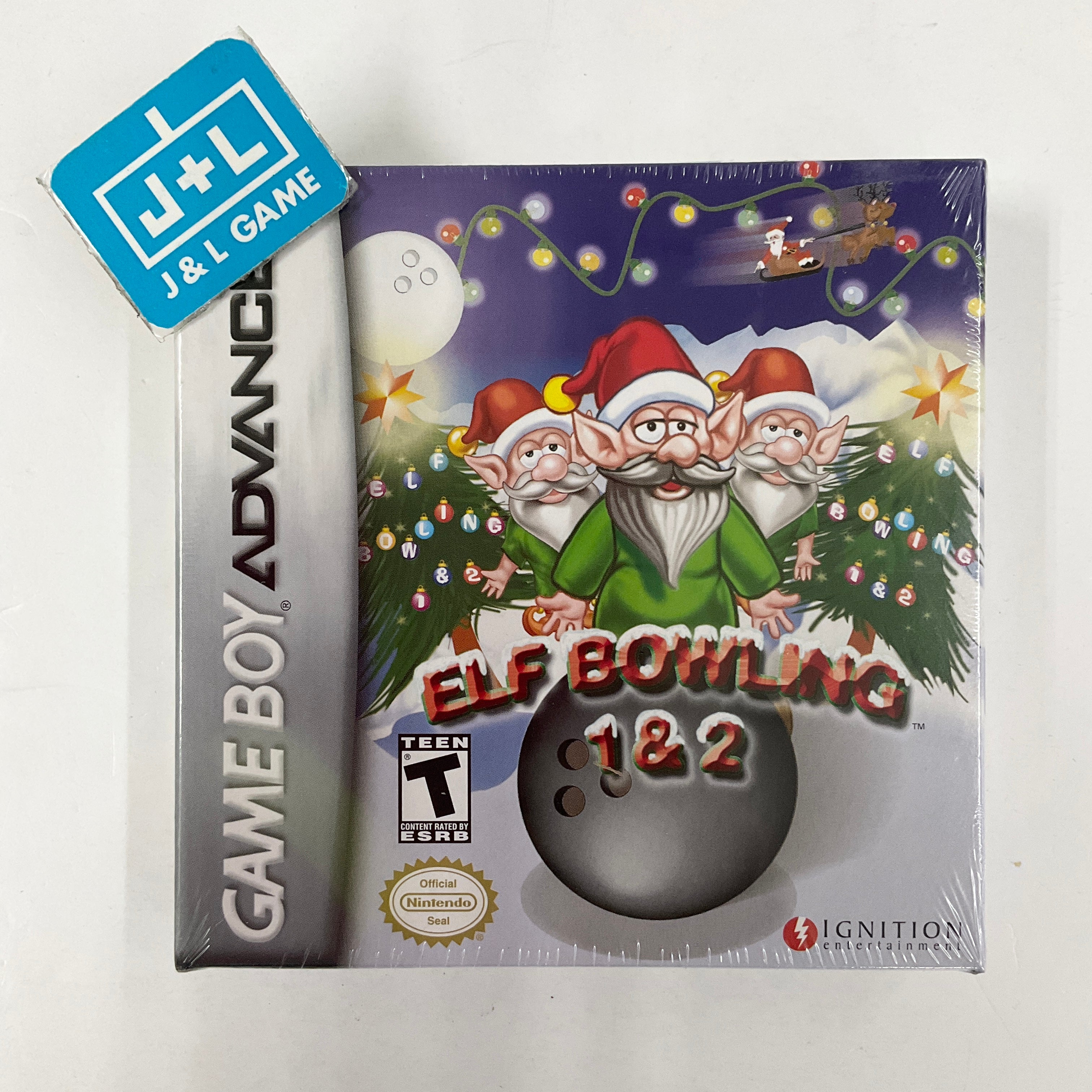
Elf Bowling 1 & 2
Play Elf Bowling 1 & 2 online on GBA with the original bowling game and the Elves in Paradise shuffleboard sequel.
Browser play
Game Boy Advance (GBA) — EmulatorJS controls
Default Player 1 keyboard mapping. Change keys in Controller Settings.
| Console button | Keyboard |
|---|---|
| ↑ / ↓ / ← / → | ↑ / ↓ / ← / → |
| A / B | Z / X |
| L / R | Q / E |
| START / SELECT | Enter / V |
Open Controller Settings to configure your keyboard or gamepad. Touch controls are available on mobile.
How to Play Elf Bowling 1 & 2
Quick start
Choose Elf Bowling or Elves in Paradise with the D-pad and A. For Elf Bowling, press A when the moving lane marker reaches the desired aim, then try to knock down all ten striking elves in two rolls per frame. In Elves in Paradise, choose a player mode, press A to grab an elf, aim Left/Right and press A again when the power grid gives the distance you want.
Controls
Menus: D-pad highlights, A confirms, B returns. Elf Bowling: A stops the moving lane marker and sends the ball; START pauses/resumes. Elves in Paradise: A grabs an elf, Left/Right aims, A releases according to the cycling power grid, and START pauses/resumes.
Elf Bowling 1 & 2 Game manuals
Cheats
No cheats have been added for this edition.
Player verification and sources
Browser play was reviewed before this edition was published in the catalogue. The date below is the catalogue publication date, not the game’s original release date.
- Browser test and catalogue publication date
- Browsers and devices
- PC: Chrome, Edge and Firefox. Mobile: Chrome on Android and Safari on iPhone and iPad.
- Player engine and core
- EmulatorJS 4.3.0-pre · gba
- Tested by
- rwEmulator
Sources and editorial basis
rwEmulator reviews edition metadata, release information, game manuals and first-hand browser-play notes. Available manuals are linked below; the editorial policy explains how facts are checked and corrections are handled.