More browsing paths
Play F1 Race (Japan edition · Japanese) Online
F1 Race
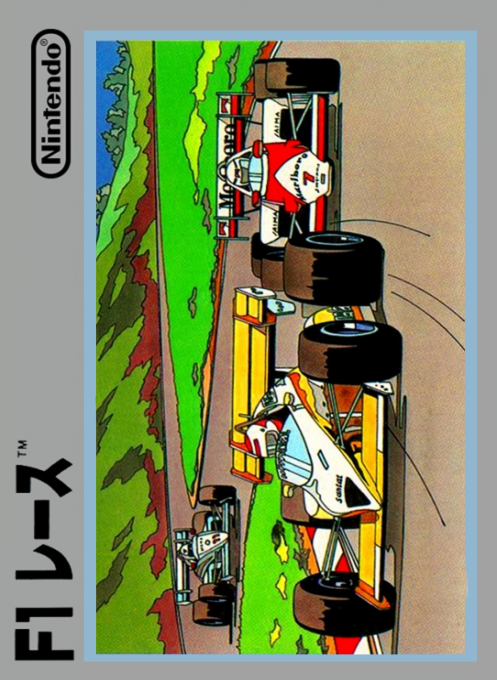
Play Nintendo's "F1 Race" online. Use low/high 2nd gear, accelerator, and brake to try to complete 2 laps within the time limit.
Browser play
Nintendo Entertainment System (NES) / Famicom — EmulatorJS controls
Default Player 1 keyboard mapping. Change keys in Controller Settings.
| Console button | Keyboard |
|---|---|
| ↑ / ↓ / ← / → | ↑ / ↓ / ← / → |
| A / B | Z / X |
| START / SELECT | Enter / V |
Open Controller Settings to configure your keyboard or gamepad. Touch controls are available on mobile.
How to Play F1 Race
Quick start
For the first time, select LEVEL 1, and when starting, keep pressing A while in low gear. When the tachometer reaches around yellow, press the cross button down to turn it into high and extend the straight line. Before a curve, decelerate early with B and use small left and right inputs to avoid other cars. After a collision or when the speed has significantly decreased, return to low at the top, accelerate sufficiently, and then return to high. The timer will be reset after the first lap, so you will continue to prioritize safety on the second lap.
Controls
Cross button left and right: Steering. Top: Switch to low gear. Down: Switch to high gear. A button: Accelerator. B button: Brake. START: Start the game with the title/pause while running. SELECT: Select the difficulty level on the title screen. Low is used at low speeds or after a collision, and High is used when speed increases.
F1 Race — About this game
"F1 Race" is a one-player racing game where you drive a formula car on a pseudo-3D screen from a forward perspective. Choose from 3 levels of difficulty and complete 2 laps of each 5-level course made up of 10 types before the timer reaches 0. The basic idea is to accelerate with A and switch between low and high 2nd gears according to the speed. If you hit a rival car or an obstacle on the side of the course, your car will explode and you will lose valuable time until you can restart. The distance traveled is the score, and the time limit continues to get shorter on the final course, so it is important to take accurate lines, decelerate early, and re-accelerate in low gear after a collision.
Cheats
No cheats have been added for this edition.
Player verification and sources
Browser play was reviewed before this edition was published in the catalogue. The date below is the catalogue publication date, not the game’s original release date.
- Browser test and catalogue publication date
- Browsers and devices
- PC: Chrome, Edge and Firefox. Mobile: Chrome on Android and Safari on iPhone and iPad.
- Player engine and core
- EmulatorJS 4.3.0-pre · nes
- Tested by
- rwEmulator
Sources and editorial basis
rwEmulator reviews edition metadata, release information, game manuals and first-hand browser-play notes. Available manuals are linked below; the editorial policy explains how facts are checked and corrections are handled.