More browsing paths
Play Falsion (Japan edition · Japanese) Online
Falsion
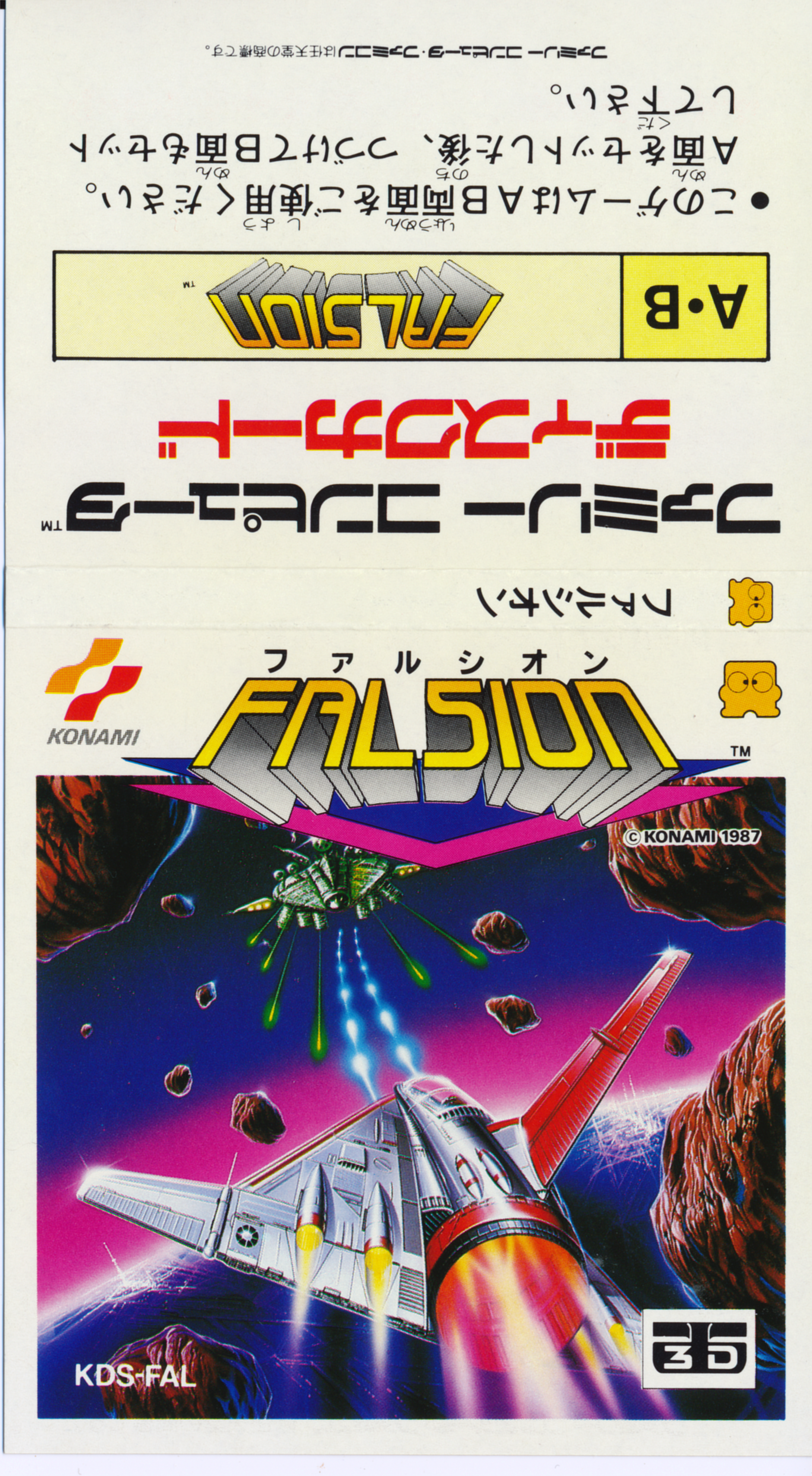
Play the FDS version of Falchion online. Use regular bullets and tracking missiles to pass all 6 stages from the rear perspective. You can also check the 3D display switching operation.
Browser play
Nintendo Entertainment System (NES) / Famicom — EmulatorJS controls
Default Player 1 keyboard mapping. Change keys in Controller Settings.
| Console button | Keyboard |
|---|---|
| ↑ / ↓ / ← / → | ↑ / ↓ / ← / → |
| A / B | Z / X |
| START / SELECT | Enter / V |
Open Controller Settings to configure your keyboard or gamepad. Touch controls are available on mobile.
How to Play Falsion
Quick start
After startup, select "3 DIMENSION PLAY" or "NORMAL PLAY". If you do not use a dedicated 3D environment, select NORMAL PLAY and start with START. First, fire regular bullets B, and use the cross button to line up the line of fire while the enemy is visible in the distance. Reinforcement items that move closer to you on the screen should be obtained by stacking your aircraft on top of them before they disappear. Missiles are fired with A and consume the remaining number, so it is safe to save them for difficult-to-defeat enemies and bosses instead of wasting them on small fry.
Controls
Cross button: Move your aircraft in 8 directions (up, down, left, right, and diagonally) within the screen. A: Fire one tracking missile in your possession. B: Fires normal bullets (up to 4 shots on screen). START: Start the game, pause/resume during play. SELECT: Switch between normal display and 3D display for Famicom 3D system. If you are hit, you will lose one remaining aircraft, as well as your speed enhancement and missiles.
Falsion — About this game
"Falchion" is a shooting game for the Famicom Disk System where you fight against enemy formations on a deep screen that shows a spaceship from behind. Move in 8 directions on the screen using the cross button, and while using normal bullets and tracking missiles with a number of remaining targets, survive all 6 stages that advance automatically and defeat the boss. Speeding up and replenishing missiles will make the fight easier, but if you get hit, you'll lose one remaining aircraft and all the reinforcements you've collected. The feature is that you can switch between the normal display and the 3D display for the Famicom 3D system while playing with SELECT, and the basic strategy is to read the trajectory of enemies and obstacles approaching from a distance and adjust your position as soon as possible.
Cheats
No cheats have been added for this edition.
Player verification and sources
Browser play was reviewed before this edition was published in the catalogue. The date below is the catalogue publication date, not the game’s original release date.
- Browser test and catalogue publication date
- Browsers and devices
- PC: Chrome, Edge and Firefox. Mobile: Chrome on Android and Safari on iPhone and iPad.
- Player engine and core
- EmulatorJS 4.3.0-pre · nes
- Tested by
- rwEmulator
Sources and editorial basis
rwEmulator reviews edition metadata, release information, game manuals and first-hand browser-play notes. Available manuals are linked below; the editorial policy explains how facts are checked and corrections are handled.