More browsing paths
Play Famicom Grand Prix II: 3D Hot Rally (Japan edition · Japanese) Online
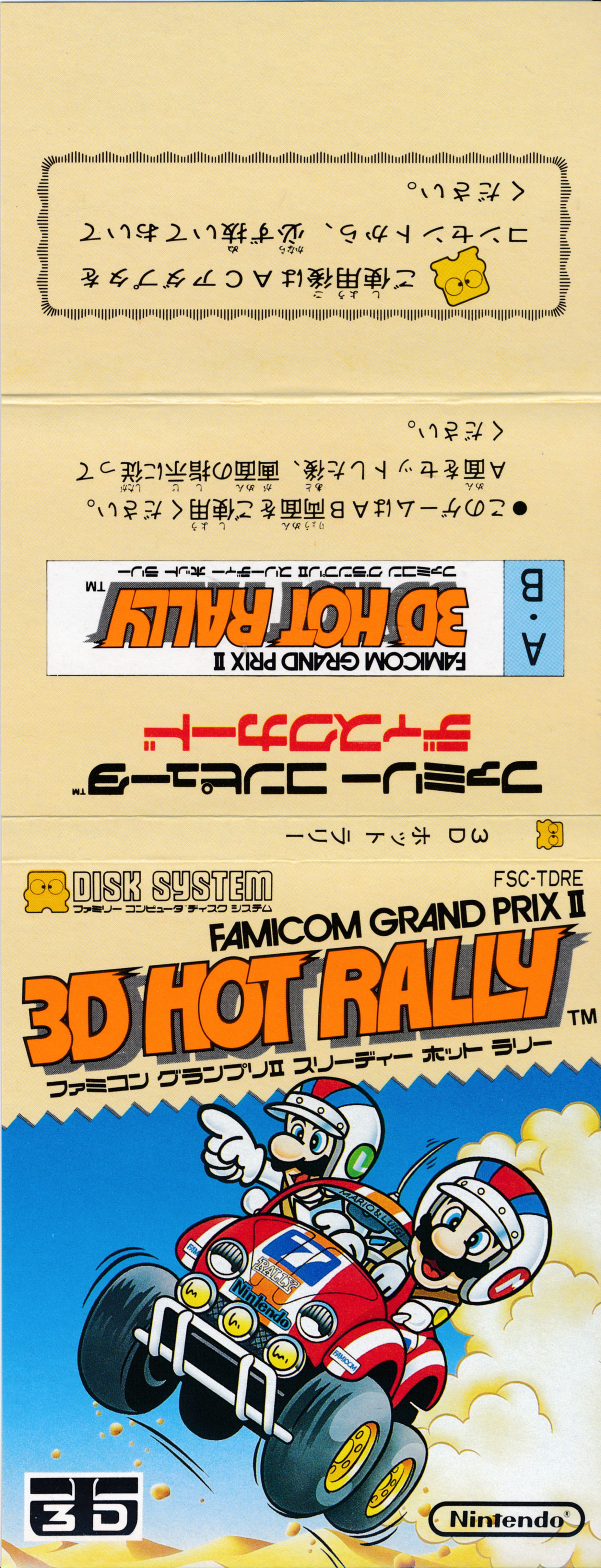
Famicom Grand Prix II: 3D Hot Rally
Play FDS "Famicom Grand Prix II 3D Hot Rally" online. Take advantage of the characteristics of the three cars to conquer 5 types of road surfaces and 8 checkpoints by shifting and drifting.
Browser play
Nintendo Entertainment System (NES) / Famicom — EmulatorJS controls
Default Player 1 keyboard mapping. Change keys in Controller Settings.
| Console button | Keyboard |
|---|---|
| ↑ / ↓ / ← / → | ↑ / ↓ / ← / → |
| A / B | Z / X |
| START / SELECT | Enter / V |
Open Controller Settings to configure your keyboard or gamepad. Touch controls are available on mobile.
How to Play Famicom Grand Prix II: 3D Hot Rally
Quick start
Press START on the title, select the car and GAME START using the four-way controller, and confirm with START. Select a course, place a repair point on the map, and start driving by pressing START. Immediately after starting, shift to 1st gear by pressing down on the D-pad, press A to accelerate, and as the speed increases, press UP to shift to 2nd, 3rd, and 4th gears. Turn the corner left and right, and when you start to slide, turn in the opposite direction and regain your stance. Once you have collected 8 HOT dots, shift to HOT range. When the damage increases, press START to pause, select repair, and press A repeatedly to shorten the repair time.
Controls
While driving: Use the four-way controller left/right to handle, and use up/down to shift up/down (1st to 4th gear and HOT). Accelerate with the A button. Brake with the B button. Switch between normal display and 3D display with SELECT. Start the game with START, pause while running, and select the selection screen. On the pause/repair screen, use the up and down arrow keys to select an item, press START to confirm, and while repairing, press A repeatedly to speed up the process a little. When selecting a course, press SELECT to return to the previous car selection screen.
Famicom Grand Prix II: 3D Hot Rally — About this game
"Famicom Grand Prix II 3D Hot Rally" is a rally game for FDS where you choose a car from the sports type KATTobi, 4WD type YONQUE, and buggy type MONSTER and drive on three types of long distance courses. The course consists of highways, grasslands, snowy roads, deserts, and dirt, and at each branch you will pass through 8 checkpoints while choosing the road surface that your car is good at. Accelerate with A, manually shift from 1st to 4th gear with the up and down arrow keys, and operate the steering wheel with left and right. Damage accumulates from collisions with obstacles and other cars, and when the time bank or damage reaches zero, the race is retired. You can set a repair point before driving, and you can also use your time to make repairs on the pause screen during play. If you collect 8 HOT dots, you can enter HOT range and accelerate up to 320km/h. It also supports 3D systems sold separately.
Cheats
No cheats have been added for this edition.
Player verification and sources
Browser play was reviewed before this edition was published in the catalogue. The date below is the catalogue publication date, not the game’s original release date.
- Browser test and catalogue publication date
- Browsers and devices
- PC: Chrome, Edge and Firefox. Mobile: Chrome on Android and Safari on iPhone and iPad.
- Player engine and core
- EmulatorJS 4.3.0-pre · nes
- Tested by
- rwEmulator
Sources and editorial basis
rwEmulator reviews edition metadata, release information, game manuals and first-hand browser-play notes. Available manuals are linked below; the editorial policy explains how facts are checked and corrections are handled.