More browsing paths
Play FIFA 06 (US edition · English) Online
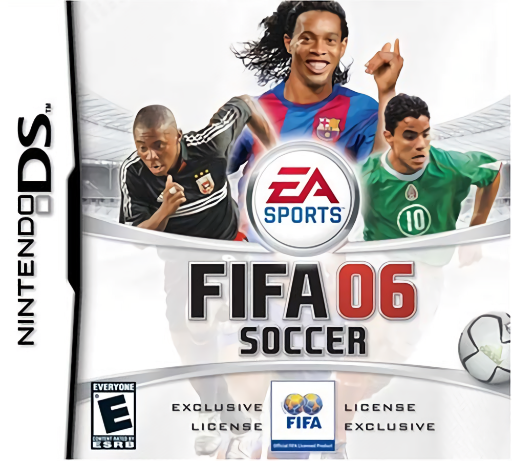
FIFA Soccer 06
Play FIFA 06 online. Keep the ball moving and use the lower radar to change tactics during a match. See the Nintendo DS starting guide and controls.
Browser play
Nintendo DS (NDS) — EmulatorJS controls
Default Player 1 keyboard mapping. Change keys in Controller Settings.
| Console button | Keyboard |
|---|---|
| ↑ / ↓ / ← / → | ↑ / ↓ / ← / → |
| A / B / X / Y | Z / X / A / S |
| L / R | Q / E |
| START / SELECT | Enter / V |
| Microphone | Not assigned |
Open Controller Settings to configure your keyboard or gamepad. Touch controls are available on mobile.
How to Play FIFA 06
Quick start
Set a favorite team, choose Kick Off and a manageable difficulty. Practise passes and a shot, then use one lower-screen tactical option during an easy moment.
Controls
Use the D-pad and displayed buttons for movement, passes, shots and defensive actions. Tap the lower tactical icons; follow the touch interface for supported restarts, set-piece spin and replays.
FIFA 06 — About this game
FIFA Soccer 06 on DS puts play above and a pitch radar with tactical choices below. Choose a favorite team, begin with Kick Off and learn short passing before trying a longer season. Players tire quickly when chasing or carrying the ball, so sharing possession matters. The touch screen also helps with recipients for certain restarts and ball spin on set pieces. Start by checking a nearby teammate on the radar, pass into space and look for a controlled shot. Once the match rhythm is familiar, try one attacking or defensive change and watch how the shape responds.
FIFA 06 Game manuals
Cheats
No cheats have been added for this edition.
Player verification and sources
Browser play was reviewed before this edition was published in the catalogue. The date below is the catalogue publication date, not the game’s original release date.
- Browser test and catalogue publication date
- Browsers and devices
- PC: Chrome, Edge and Firefox. Mobile: Chrome on Android and Safari on iPhone and iPad.
- Player engine and core
- EmulatorJS 4.3.0-pre · nds
- Tested by
- rwEmulator
Sources and editorial basis
rwEmulator reviews edition metadata, release information, game manuals and first-hand browser-play notes. Available manuals are linked below; the editorial policy explains how facts are checked and corrections are handled.