More browsing paths
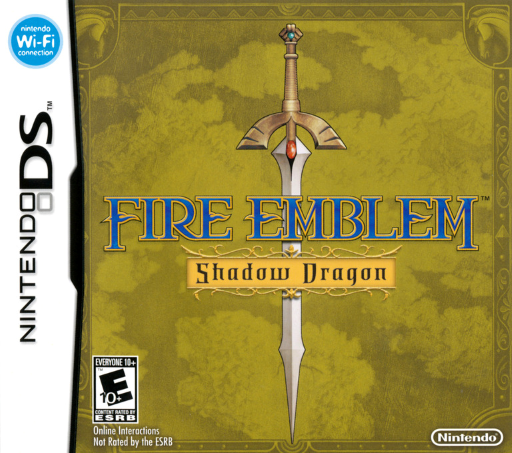
Play Fire Emblem: Shadow Dragon (US edition · English) Online
Fire Emblem - Shadow Dragon
Play Fire Emblem: Shadow Dragon online. Learn DS unit orders, enemy ranges, permanent losses, combat forecasts and chapter or suspend saving.
Browser play
Nintendo DS (NDS) — EmulatorJS controls
Default Player 1 keyboard mapping. Change keys in Controller Settings.
| Console button | Keyboard |
|---|---|
| ↑ / ↓ / ← / → | ↑ / ↓ / ← / → |
| A / B / X / Y | Z / X / A / S |
| L / R | Q / E |
| START / SELECT | Enter / V |
| Microphone | Not assigned |
Open Controller Settings to configure your keyboard or gamepad. Touch controls are available on mobile.
How to Play Fire Emblem: Shadow Dragon
Quick start
Choose New Game and Normal for a first playthrough. Read the current map objective, tap an allied unit and choose a blue square to move. Select Attack, choose a weapon and check the forecast before committing to a target; use Wait when holding position is safer. Protect Marth and finish the chapter’s objective. Save after a chapter; for a break during a map, use Suspend from the map menu and resume the temporary point once.
Controls
Tap a unit, destination and command to issue orders. The directional pad moves the cursor; A confirms and B cancels. X displays all enemy attack ranges. L moves to a unit that has not acted, and R switches the status display. A on empty ground opens the map menu. A unit turns gray after acting. To use a map savepoint, move a unit onto it and choose Save; each point works once.
Fire Emblem: Shadow Dragon — About this game
Fire Emblem: Shadow Dragon follows Marth, the displaced prince of Altea, as he commands an army against Dolhr’s forces. Each turn gives your side a phase to move and act before the enemy responds. Terrain and unit class affect movement, while weapon range, durability and advantages shape each exchange. The combat forecast helps you assess an attack before committing. Allies who fall are permanently lost, and losing Marth ends the game, so keeping an escape route or delaying an attack can matter as much as damage. Some enemies can join after a conversation, and chapters ask you to meet their victory conditions. Later preparations let you adjust equipment and classes between maps.
Fire Emblem: Shadow Dragon Game manuals
Cheats
No cheats have been added for this edition.
Player verification and sources
Browser play was reviewed before this edition was published in the catalogue. The date below is the catalogue publication date, not the game’s original release date.
- Browser test and catalogue publication date
- Browsers and devices
- PC: Chrome, Edge and Firefox. Mobile: Chrome on Android and Safari on iPhone and iPad.
- Player engine and core
- EmulatorJS 4.3.0-pre · nds
- Tested by
- rwEmulator
Sources and editorial basis
rwEmulator reviews edition metadata, release information, game manuals and first-hand browser-play notes. Available manuals are linked below; the editorial policy explains how facts are checked and corrections are handled.