More browsing paths
Play Astro-Jump (Aftermarket / Homebrew · World edition) Online
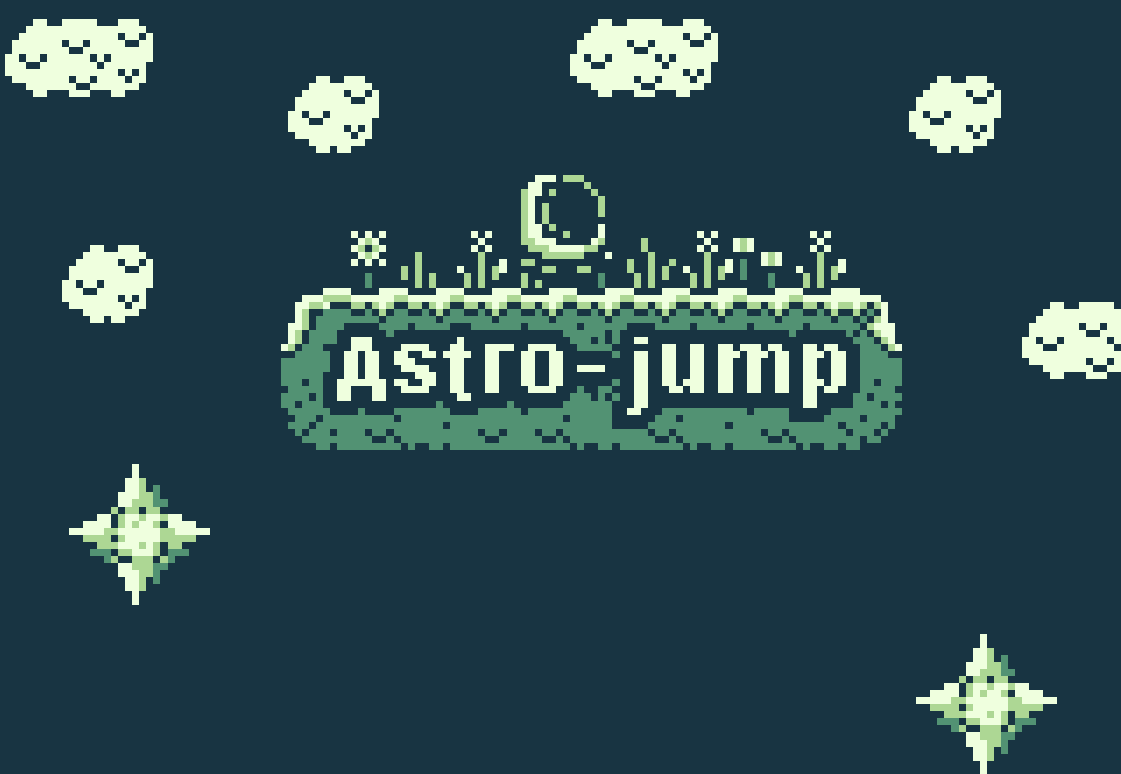
Astro-Jump
Play Astro-Jump online. Climb through a small side-view platform adventure where the spacing of clouds and gaps makes the approach to a jump matter.
Browser play
Game Boy (GB) — EmulatorJS controls
Default Player 1 keyboard mapping. Change keys in Controller Settings.
| Console button | Keyboard |
|---|---|
| ↑ / ↓ / ← / → | ↑ / ↓ / ← / → |
| A / B | Z / X |
| START / SELECT | Enter / V |
Open Controller Settings to configure your keyboard or gamepad. Touch controls are available on mobile.
How to Play Astro-Jump
Quick start
Start with the first short jumps. For the wider gap, back up, begin running and then jump without releasing the direction; use the signs to choose the upward route. Left/Right: move. A/B handle running and jumping; practise the pair on level ground before combining them over a gap. In the original web controls, Z/J runs and X/K is the other action key, with arrows or A/D for movement.
Controls
Left/Right: move. A/B handle running and jumping; practise the pair on level ground before combining them over a gap. In the original web controls, Z/J runs and X/K is the other action key, with arrows or A/D for movement.
Astro-Jump — About this game
Climb through a small side-view platform adventure where the spacing of clouds and gaps makes the approach to a jump matter. Walking reaches nearby ledges, but some wider crossings need a running take-off. Leave room to accelerate, jump while still moving and watch the landing rather than pressing at the very edge every time. Signs along the route help orient the journey toward the sky. Learn the run-and-jump combination on safe ground before attempting a long crossing.
Astro-Jump Game manuals
Cheats
No cheats have been added for this edition.
Player verification and sources
Browser play was reviewed before this edition was published in the catalogue. The date below is the catalogue publication date, not the game’s original release date.
- Browser test and catalogue publication date
- Browsers and devices
- PC: Chrome, Edge and Firefox. Mobile: Chrome on Android and Safari on iPhone and iPad.
- Player engine and core
- EmulatorJS 4.3.0-pre · gb
- Tested by
- rwEmulator
Sources and editorial basis
rwEmulator reviews edition metadata, release information, game manuals and first-hand browser-play notes. Available manuals are linked below; the editorial policy explains how facts are checked and corrections are handled.