More browsing paths
Play Tennis (World edition · English) Online
Tennis
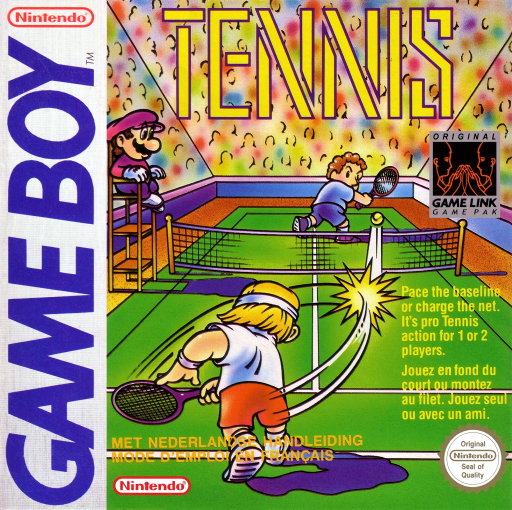
Play Tennis online on Game Boy. Mix serves, lobs and volleys to win rallies.
Browser play
Game Boy (GB) — EmulatorJS controls
Default Player 1 keyboard mapping. Change keys in Controller Settings.
| Console button | Keyboard |
|---|---|
| ↑ / ↓ / ← / → | ↑ / ↓ / ← / → |
| A / B | Z / X |
| START / SELECT | Enter / V |
Open Controller Settings to configure your keyboard or gamepad. Touch controls are available on mobile.
How to Play Tennis
Quick start
Choose 1-PLAYER, confirm with START and select a low level. On your serve, press A to toss and A or B to strike.
Controls
D-pad: move and direct shots. A: toss the ball; A again for a fast serve, B for a slow serve. In rallies A makes a stroke or strong volley, B a lob or weak volley. START pauses.
Tennis — About this game
Tennis on Game Boy presents singles matches built around court position and shot selection. Choose a difficulty level, serve into the opposite service box, and alternate groundstrokes, volleys, lobs and smashes. A hard shot and a well-placed slower ball serve different purposes, especially when the opponent approaches the net.
Begin at a low level to learn the timing of the toss and racket swing. After returning the ball, move back toward a useful central position instead of standing where the last shot finished.
Tennis Game manuals
Cheats
No cheats have been added for this edition.
Player verification and sources
Browser play was reviewed before this edition was published in the catalogue. The date below is the catalogue publication date, not the game’s original release date.
- Browser test and catalogue publication date
- Browsers and devices
- PC: Chrome, Edge and Firefox. Mobile: Chrome on Android and Safari on iPhone and iPad.
- Player engine and core
- EmulatorJS 4.3.0-pre · gb
- Tested by
- rwEmulator
Sources and editorial basis
rwEmulator reviews edition metadata, release information, game manuals and first-hand browser-play notes. Available manuals are linked below; the editorial policy explains how facts are checked and corrections are handled.