More browsing paths
Play Caesars Palace (US edition) Online
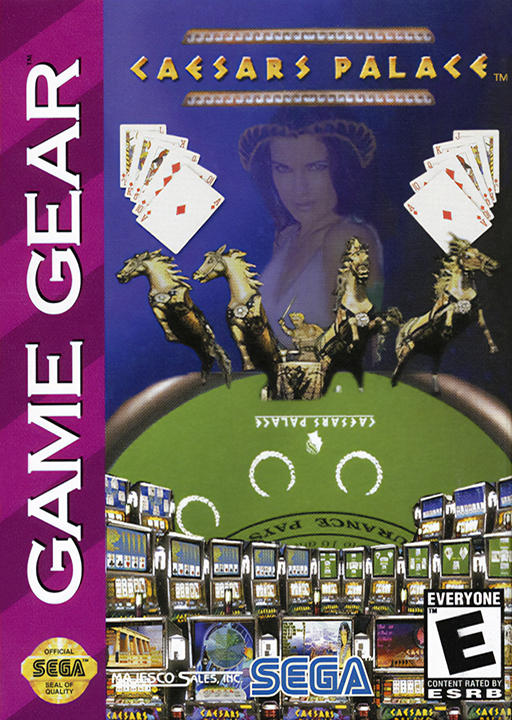
Caesars Palace
Play Caesars Palace for Game Gear online. Explore the virtual casino, open an account and learn the chip rack, scratch-card and password controls.
Browser play
Sega Game Gear — EmulatorJS controls
Default Player 1 keyboard mapping. Change keys in Controller Settings.
| Console button | Keyboard |
|---|---|
| ↑ / ↓ / ← / → | ↑ / ↓ / ← / → |
| 1 / 2 | X / Z |
| START | Enter |
Open Controller Settings to configure your keyboard or gamepad. Touch controls are available on mobile.
How to Play Caesars Palace
Quick start
Press START, 1 or 2 at the title. At the ATM, move the hand to New Account and select with 1. Enter a name of three to eight characters, confirm OK and note the password. Walk to a game with directions and press 1 or 2. If a table has no dealer, choose another activity or return later.
Controls
Directions: walk around the casino or move the hand cursor. 1 or 2 selects a nearby game and many on-screen controls. At the ATM keyboard, 1 enters a character and 2 deletes. During a game, START opens the chip rack; select Leave table to return to the floor. For a scratch card, move over a box and press 1 or 2 to scratch.
Caesars Palace — About this game
Caesars Palace for Game Gear presents a casino to explore rather than a single table. Begin with a new account at the ATM and a virtual bankroll of $5,000, then walk between machines and tables across its different areas. Some areas remain closed until your winnings grow, and games needing a dealer are available only when one is present. The selection includes slots, blackjack, roulette, craps, keno, horse racing and scratch cards. The chip rack shows the money available and offers a way back to the casino floor. At an ATM, check your balance or obtain an eight-character password that preserves your money for another session. Keep a new password before ending a visit rather than relying on the opening account code.
Caesars Palace Game manuals
Cheats
No cheats have been added for this edition.
Player verification and sources
Browser play was reviewed before this edition was published in the catalogue. The date below is the catalogue publication date, not the game’s original release date.
- Browser test and catalogue publication date
- Browsers and devices
- PC: Chrome, Edge and Firefox. Mobile: Chrome on Android and Safari on iPhone and iPad.
- Player engine and core
- EmulatorJS 4.3.0-pre · segaGG
- Tested by
- rwEmulator
Sources and editorial basis
rwEmulator reviews edition metadata, release information, game manuals and first-hand browser-play notes. Available manuals are linked below; the editorial policy explains how facts are checked and corrections are handled.