More browsing paths
Play Goraku Ou Tango! (Japan edition · Japanese) Online
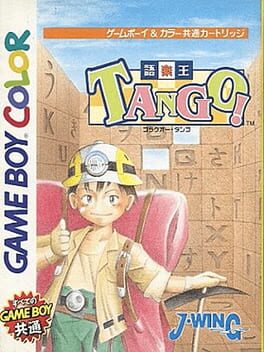
Goraku Ou Tango!
Play Goraku Ou Tango! online on GBC. Goraku Ou Tango!
Browser play
Game Boy Color (GBC) — EmulatorJS controls
Default Player 1 keyboard mapping. Change keys in Controller Settings.
| Console button | Keyboard |
|---|---|
| ↑ / ↓ / ← / → | ↑ / ↓ / ← / → |
| A / B | Z / X |
| START / SELECT | Enter / V |
Open Controller Settings to configure your keyboard or gamepad. Touch controls are available on mobile.
How to Play Goraku Ou Tango!
Quick start
Choose a puzzle, read its theme and inspect the available character panels. Form a short relevant word first, then look for a second one that shares a character. Check the whole arrangement before finishing.
Controls
Use the D-pad to move the cursor or a selected panel. A selects and confirms a move; B cancels or releases a selection where permitted. Use the puzzle's displayed commands to revise or finish and keep the theme visible while arranging words.
Goraku Ou Tango! — About this game
Read the theme and identify a short word you can make with the available panels. Before moving it into place, check what it will leave for the crossing direction. A layout that uses the letters may still miss a better set of connected words. Work from clear candidates and adjust the arrangement when another word offers a stronger connection.
Goraku Ou Tango! Game manuals
Cheats
No cheats have been added for this edition.
Player verification and sources
Browser play was reviewed before this edition was published in the catalogue. The date below is the catalogue publication date, not the game’s original release date.
- Browser test and catalogue publication date
- Browsers and devices
- PC: Chrome, Edge and Firefox. Mobile: Chrome on Android and Safari on iPhone and iPad.
- Player engine and core
- EmulatorJS 4.3.0-pre · gb
- Tested by
- rwEmulator
Sources and editorial basis
rwEmulator reviews edition metadata, release information, game manuals and first-hand browser-play notes. Available manuals are linked below; the editorial policy explains how facts are checked and corrections are handled.