More browsing paths
Play Grand Theft Auto 2 (Europe edition · English / French / German / Spanish / Italian) Online
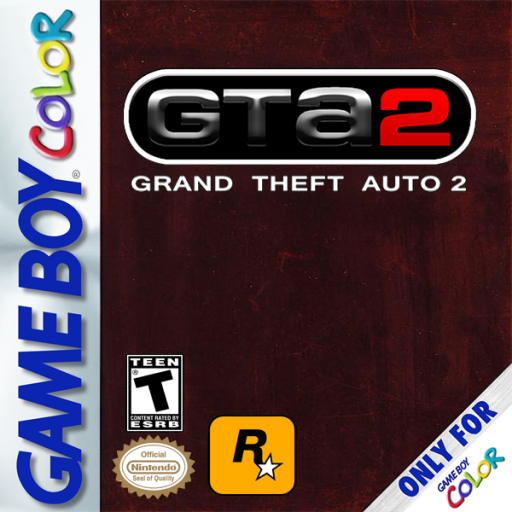
Grand Theft Auto 2
Play Grand Theft Auto 2 online on GBC. Grand Theft Auto 2 brings the city's driving, crime and job-taking to Game Boy Color.
Browser play
Game Boy Color (GBC) — EmulatorJS controls
Default Player 1 keyboard mapping. Change keys in Controller Settings.
| Console button | Keyboard |
|---|---|
| ↑ / ↓ / ← / → | ↑ / ↓ / ← / → |
| A / B | Z / X |
| START / SELECT | Enter / V |
Open Controller Settings to configure your keyboard or gamepad. Touch controls are available on mobile.
How to Play Grand Theft Auto 2
Quick start
Begin a game and learn movement on a quiet street. Face a useful direction and press A to go forward. Stand beside a vehicle and press A with SELECT to enter. Try a short drive before following the first job instructions.
Controls
A moves forward; down moves backward; left/right turns. B attacks. A plus SELECT enters or exits a vehicle. Up is handbrake in a car or jump on foot. SELECT cycles weapons on foot. START pauses.
Grand Theft Auto 2 — About this game
Find a clear stretch to learn how forward movement follows the character or car's facing direction. Before accepting a job, understand where you need to go and how to leave the area afterward. Collisions, pursuit and lost direction can make a simple route difficult. Keep an eye on health, ammunition and the felony meter, and take time to regain control rather than driving blindly through every turn.
Grand Theft Auto 2 Game manuals
Cheats
No cheats have been added for this edition.
Player verification and sources
Browser play was reviewed before this edition was published in the catalogue. The date below is the catalogue publication date, not the game’s original release date.
- Browser test and catalogue publication date
- Browsers and devices
- PC: Chrome, Edge and Firefox. Mobile: Chrome on Android and Safari on iPhone and iPad.
- Player engine and core
- EmulatorJS 4.3.0-pre · gb
- Tested by
- rwEmulator
Sources and editorial basis
rwEmulator reviews edition metadata, release information, game manuals and first-hand browser-play notes. Available manuals are linked below; the editorial policy explains how facts are checked and corrections are handled.